





- Joined
- Dec 4, 2012
- Messages
- 1,092
- Reaction score
- 2,291
I thought I would share on how to download and install lighting from AI signature series. I've seen several reefers, as well as myself, have trouble to get these to upload onto the AI prime.
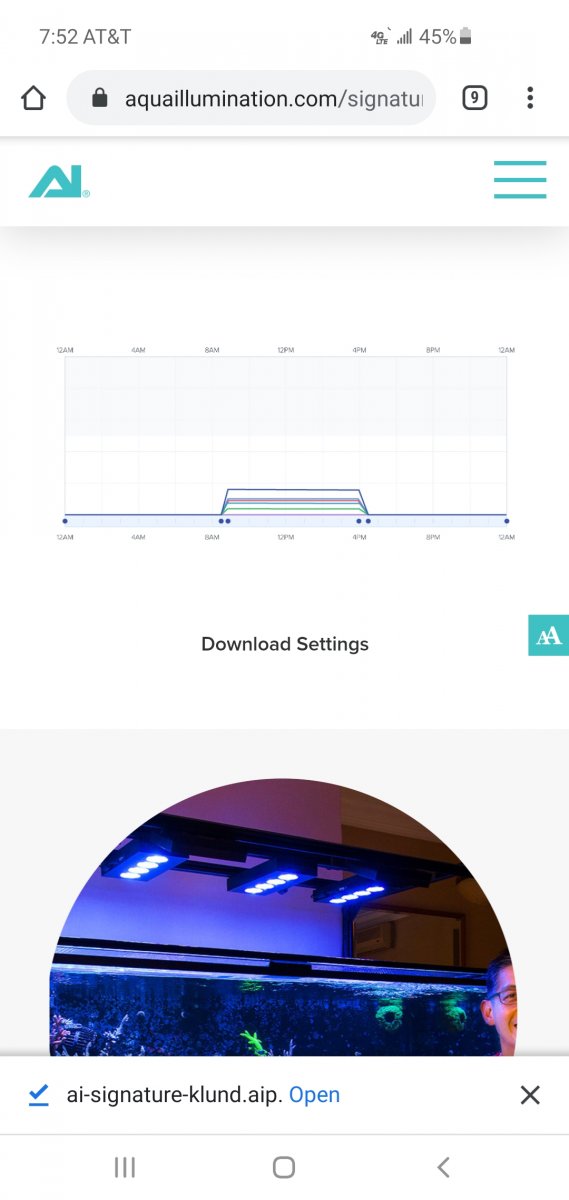
First go to AI website and download the lighting you wish to have on your Prime.
Touch the star
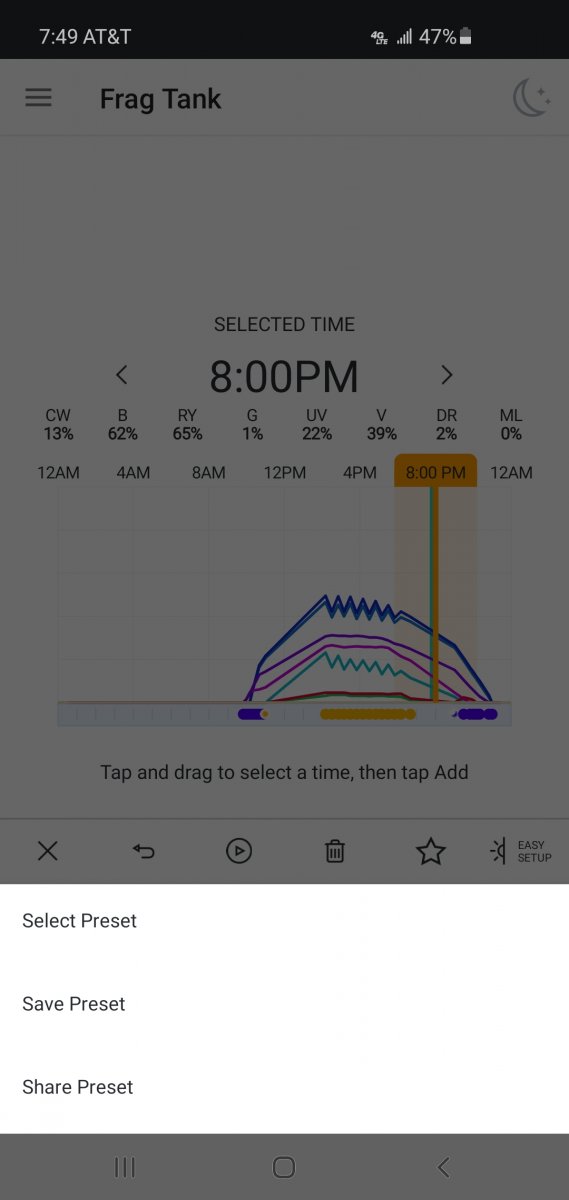
Select preset
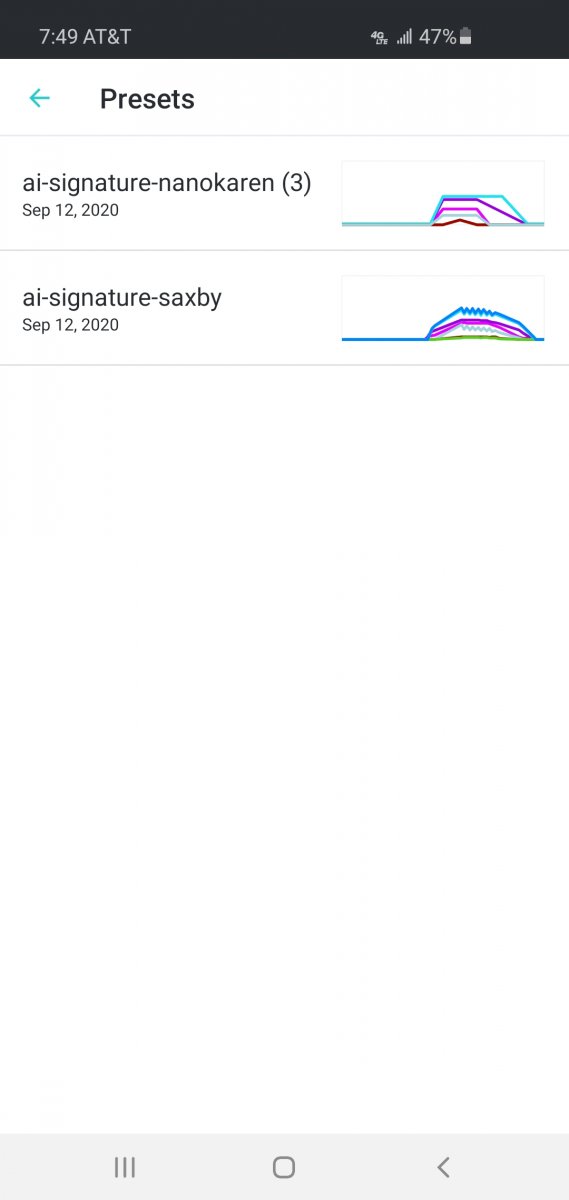
Then choose the signature series you like.
I tried to make it simple instructions as possible. I kept trying to open the downloaded file and install it from there with no success. Couldn't find any thing on the internet. Finally went to the store where it was purchased and was showed what to do. Hope this helps.
First go to AI website and download the lighting you wish to have on your Prime.
Touch the star
Select preset
Then choose the signature series you like.
I tried to make it simple instructions as possible. I kept trying to open the downloaded file and install it from there with no success. Couldn't find any thing on the internet. Finally went to the store where it was purchased and was showed what to do. Hope this helps.









