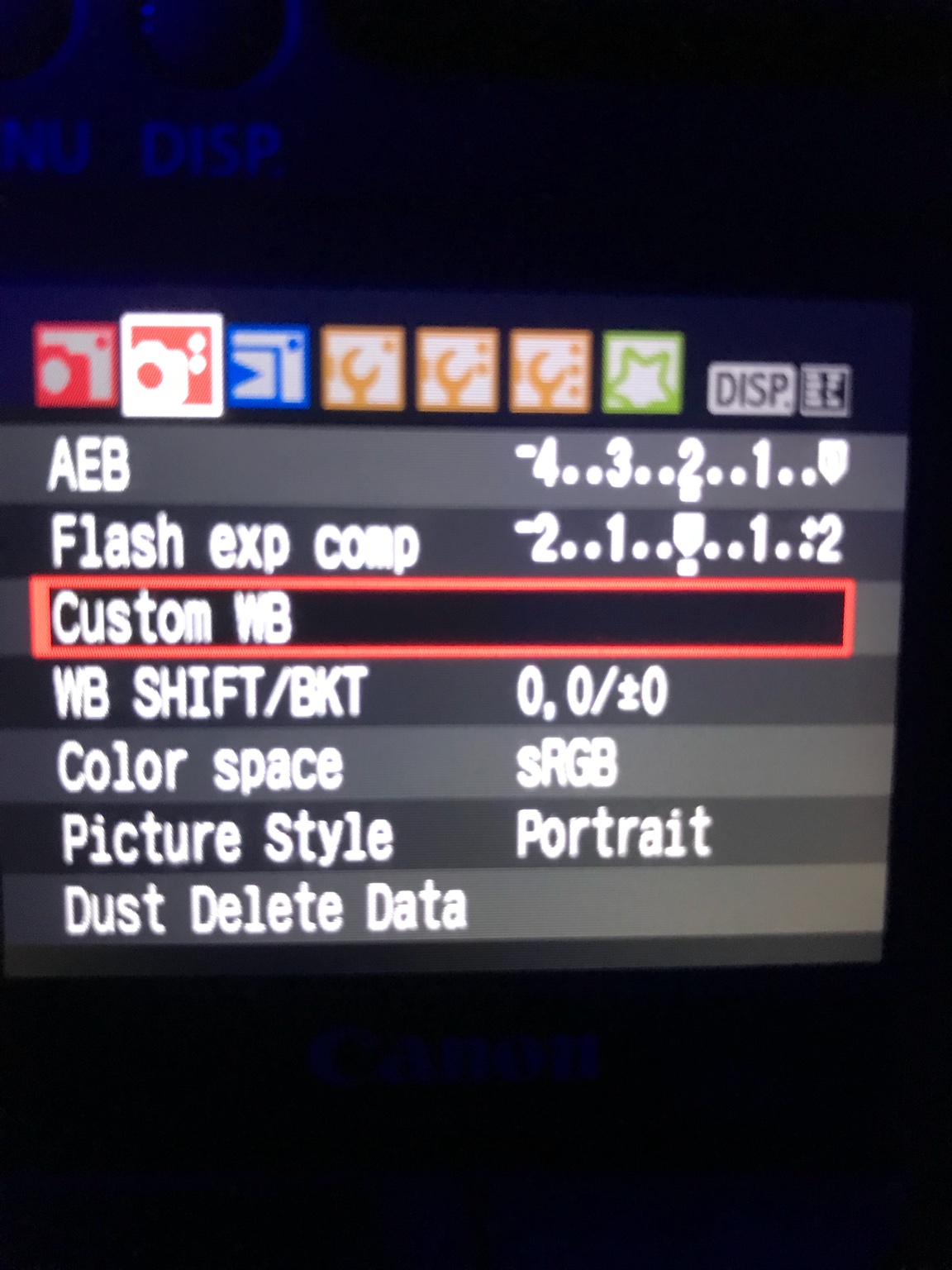
Jan 24, 2018 #1 icemountain Well-Known Member View Badges Joined Jun 30, 2012 Messages 641 Reaction score 132 Location Illinois Rating - 0% 0 0 0 Anyone know how to correct the white balance when taking pictures with a DSLR under radions?
Jan 24, 2018 #2 Steve Ruddy Active Member View Badges Joined Jun 27, 2009 Messages 315 Reaction score 151 Location Guerneville CA What state or country do you live in California Rating - 0% 0 0 0 icemountain said: Anyone know how to correct the white balance when taking pictures with a DSLR under radions? Click to expand... Yep, set them to a daylight color, and use awb.
icemountain said: Anyone know how to correct the white balance when taking pictures with a DSLR under radions? Click to expand... Yep, set them to a daylight color, and use awb.
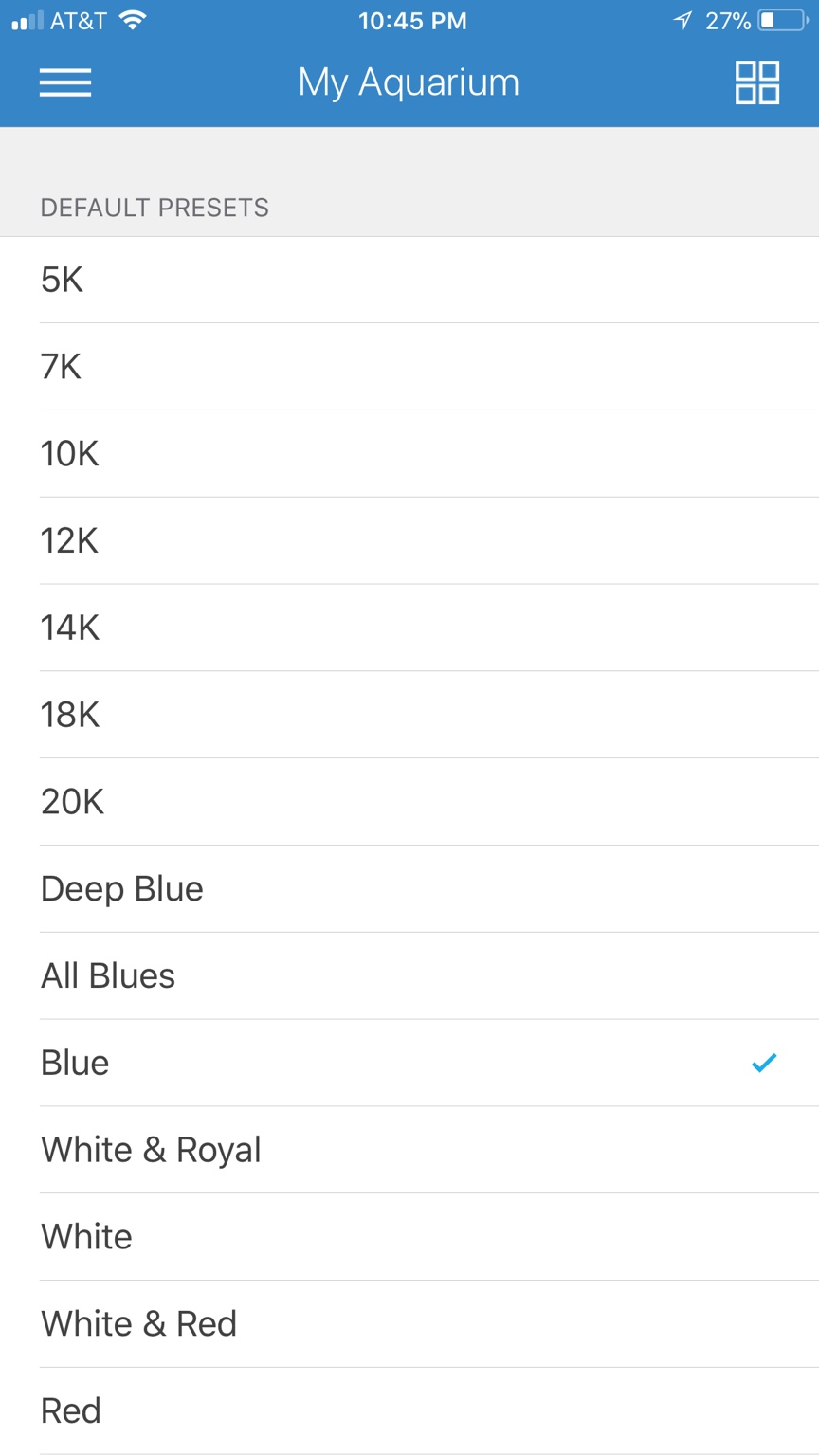
Jan 24, 2018 #3 Curlew_Coral Well-Known Member View Badges Joined Jan 8, 2018 Messages 505 Reaction score 129 Location Norfolk. Virginia What state or country do you live in Virginia Rating - 0% 0 0 0 Its will also be in the settings of the camera. And with my radions i hit “blue“ on my preset and use yellow lens porthole
Its will also be in the settings of the camera. And with my radions i hit “blue“ on my preset and use yellow lens porthole
Jan 24, 2018 #4 Curlew_Coral Well-Known Member View Badges Joined Jan 8, 2018 Messages 505 Reaction score 129 Location Norfolk. Virginia What state or country do you live in Virginia Rating - 0% 0 0 0 . Take the photo raw. Open the photo in your. Photo preview. Click the WB. And “ ok”. Then take the photo again. It it will be set to go
. Take the photo raw. Open the photo in your. Photo preview. Click the WB. And “ ok”. Then take the photo again. It it will be set to go
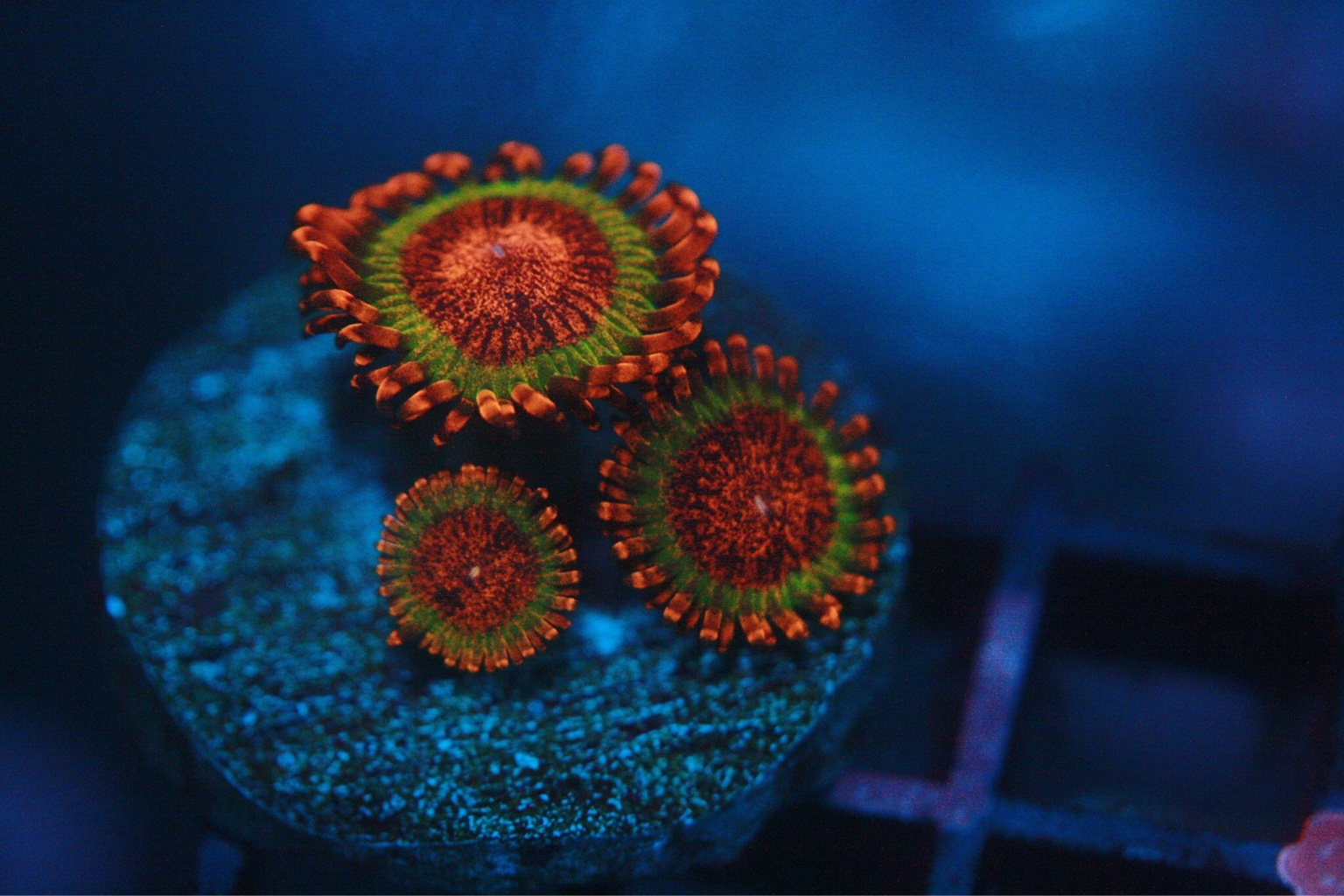
Jan 25, 2018 #5 OP OP icemountain Well-Known Member View Badges Joined Jun 30, 2012 Messages 641 Reaction score 132 Location Illinois Rating - 0% 0 0 0 Curlew_Coral said: Its will also be in the settings of the camera. And with my radions i hit “blue“ on my preset and use yellow lens porthole Click to expand... That's an amazing picture. I don't have the yellow porthole. I just use the regular one from avast.
Curlew_Coral said: Its will also be in the settings of the camera. And with my radions i hit “blue“ on my preset and use yellow lens porthole Click to expand... That's an amazing picture. I don't have the yellow porthole. I just use the regular one from avast.
Jan 25, 2018 #6 BigJim Well-Known Member View Badges Joined Oct 26, 2014 Messages 905 Reaction score 1,325 Location Baltimore What state or country do you live in Maryland Rating - 0% 0 0 0 I have found that the best way to get accurate white balance is to shoot in RAW and adjust the white balance in Photoshop.
I have found that the best way to get accurate white balance is to shoot in RAW and adjust the white balance in Photoshop.
Jan 26, 2018 #7 Steve Ruddy Active Member View Badges Joined Jun 27, 2009 Messages 315 Reaction score 151 Location Guerneville CA What state or country do you live in California Rating - 0% 0 0 0 BigJim said: I have found that the best way to get accurate white balance is to shoot in RAW and adjust the white balance in Photoshop. Click to expand... This is what I usually do too, works perfect unless your shooting under very heavy blue light. No need to do a custom white balance if shooting raw.
BigJim said: I have found that the best way to get accurate white balance is to shoot in RAW and adjust the white balance in Photoshop. Click to expand... This is what I usually do too, works perfect unless your shooting under very heavy blue light. No need to do a custom white balance if shooting raw.