I love these pumps.
The only thing I don't like about Jebao is that in pulse mode it doesn't stop completely.
It's impossible to make a wave in a 24 inch tank or less.
So I settled for cross flow/frequency 5 mode...
I love these pumps.
The only thing I don't like about Jebao is that in pulse mode it doesn't stop completely.
It's impossible to make a wave in a 24 inch tank or less.
So I settled for cross flow/frequency 5 mode...
I wish in cross flow the other pump didnt shut off and ran very low. I dont like leaving a pump sitting off for like 10-30sec depending on the setting and then turn on. To many chances a fish or other invert might go in there when its off and get killed. I just stick to pulse for the classic mode i have setup in my program.
I have a dmp10 and have zero complaints. It’s built well, and is quiet. Flow is good. Perfect match for my Waterbox 15 and easily can be turned up for larger tanks
Yea its pretty easy. Hold the linkage button and when pops up select master pump and then select program. Setup your program and save. once you are done go to the 2nd pump hold linkage button and when it pops up select slave. There you will only be able to select the max flow it will ran but it will be mimic of the master pump but only run at the max speed you set.
Yea its pretty easy. Hold the linkage button and when pops up select master pump and then select program. Setup your program and save. once you are done go to the 2nd pump hold linkage button and when it pops up select slave. There you will only be able to select the max flow it will ran but it will be mimic of the master pump but only run at the max speed you set.
So when I go to the “slave” pump screen it will just show whatever you set the max at, say 90%? Even though that’s what it shows it will follow the same program as the “master”?
yes, it follows the program of the master but will only go as high as you set it. Say on pulse the master is at 90% and 75% pulse and you set the sale to 50 it will run at 50% power but still 75% pulse
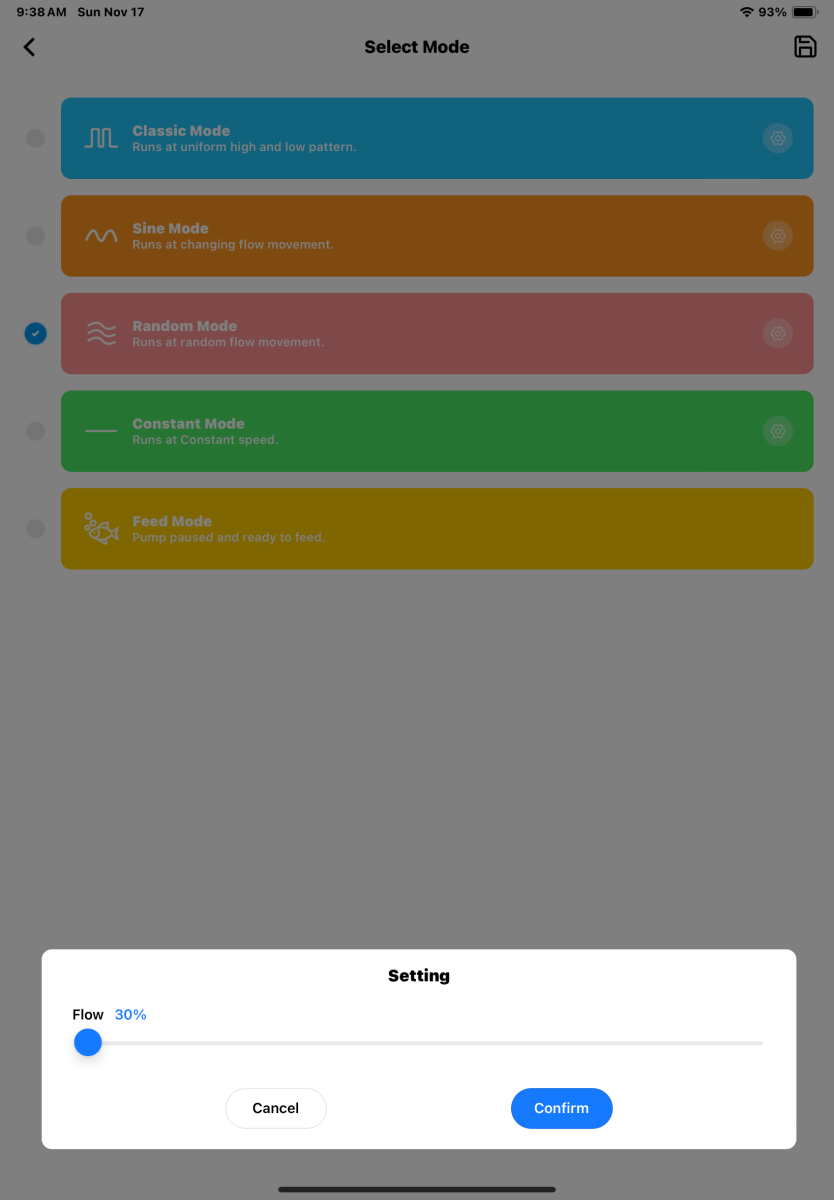
Yep, that's the ONE issue I've had with Jebao app controlled pumps. It is a limitation in the app for all pumps/gyres... No "maximum" setting for random mode.
The one upside is that they offer a wide range of pump sizes, so if you know you want random, you can find a pump more appropriately sized. I tend to run powerheads on the smaller size for this reason and a few others.
they work great, I have 2 in my 20g fusion and I bought 2 20s but not using them yet. upgrading to a 50breeder as soon as the tank comes in so probably use the 20's in that
odd, there app is so basic I thought they used the same one for every pump. I know when I had the SLW pumps the app was a carbon copy of the DMP app minus the random flow setting back then.