Help with apex firmware update!

  • Thread starter Thread starter OREGONIC
  • Start date Start date
  • Tagged users Tagged users None

OREGONIC

Well-Known Member
View Badges
Joined
Jul 9, 2017
Messages
785
Reaction score
1,023
Location
PDX
Rating - 0%
0   0   0
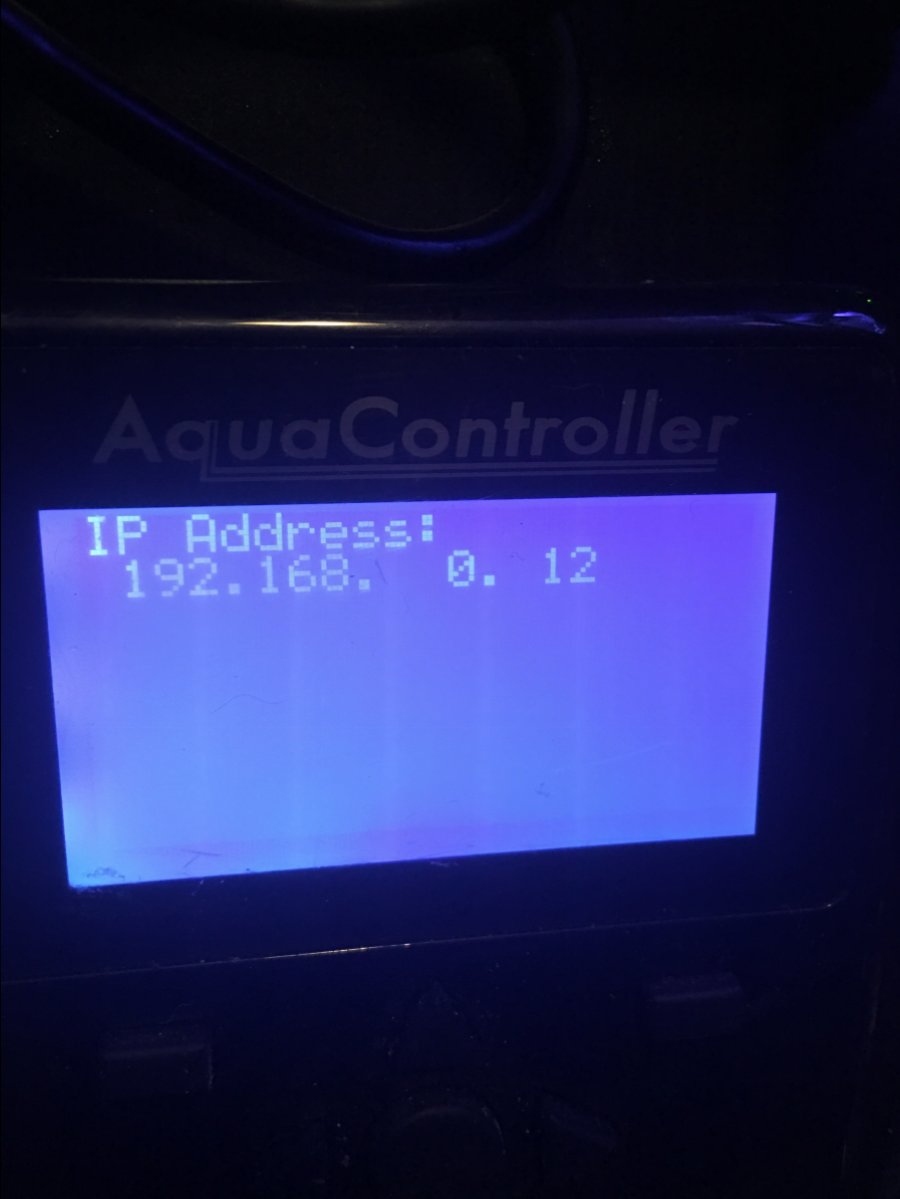
This is turning into a nightmare trying to update my apex classic. I have both the apex and my laptop plugged directly into my router and i can see the apex at ip 192.168.0.12. When i go to update firmware the it trys to connect to 192.168.0.15 then just gets stuck. Any suggestions, see attached photos of where it is getting stuck. I have tried resetting the apex several times and i have my firewall off. Im at a loss.
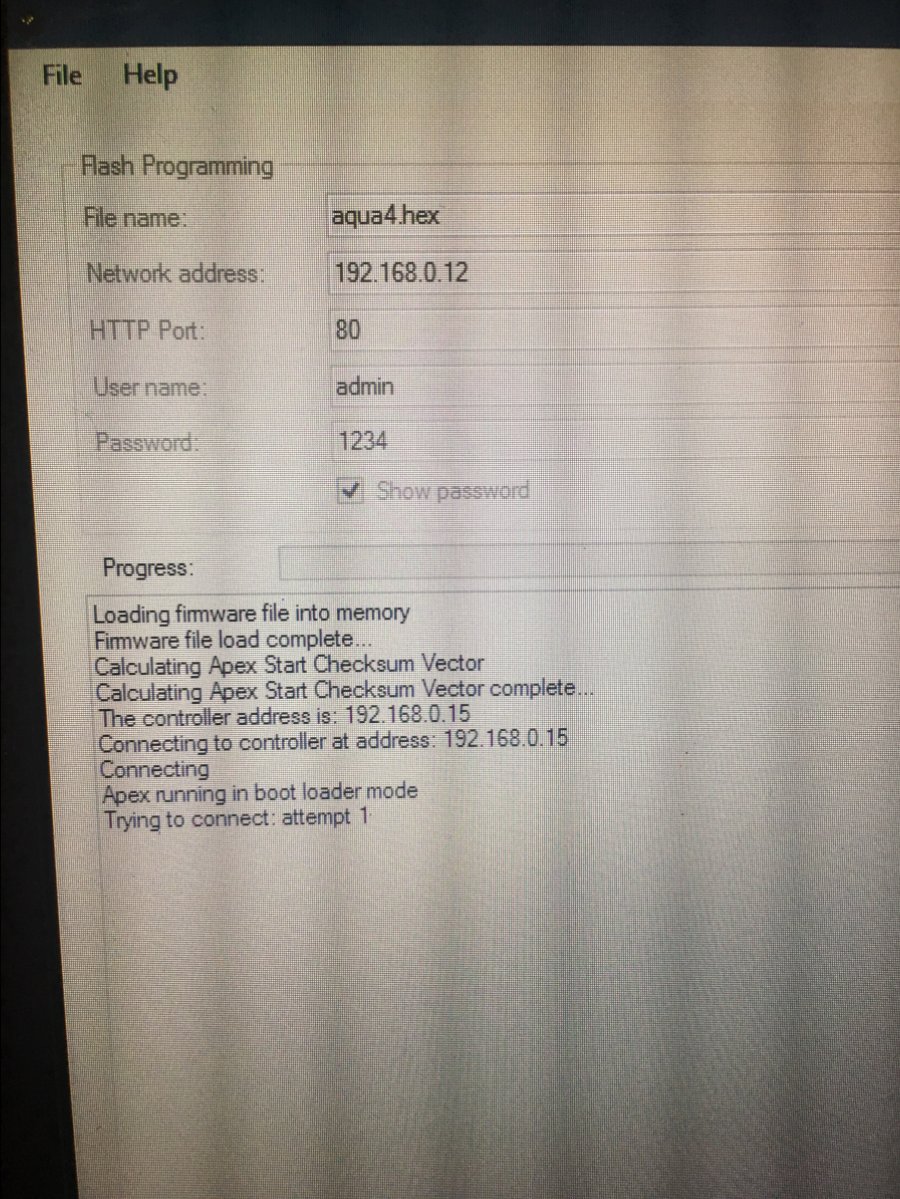
image.jpg

image.jpg
 
Did your Apex have an IP address of 192.168.0.15 at the time you first attempted the update?

Reboot your Windows computer into Safe Mode with Networking (use a search engine to find out how for your version of Windows if you need to), then try again.

 
No it has had the ip of 192.168.0.12 for as long as i know. That was the same ip even when it was hooked up with a wifi adapter. I did hook up with ethernet cable before attempting to update, never tried using wifi as i knew it would not work. I will try safe mode w/networking now.
 
You may have to update your APEX with the ip....15. It's weird is sees it as a different ip.
 

TOP 10 Trending Threads

ARE YOU READY TO CONFESS TO CRAZIEST, DUMBEST, FUNNIEST THING YOU’VE EVER DONE IN REEFING?

  • Yeah, I'll confess! (Share your story in the comments!)

    Votes: 35 53.8%
  • Nah, I'll keep mine a secret...(Don't be like that, share with the class!)

    Votes: 30 46.2%
Back
Top
Home
Post thread…
Market
What's new