How to fix my photo taking issues?

  • Thread starter Thread starter AaronFReef
  • Start date Start date
  • Tagged users Tagged users None

Is the problem with my photos:


  • Total voters
    4

AaronFReef

Well-Known Member
View Badges
Joined
Oct 11, 2018
Messages
820
Reaction score
617
Location
Monterey, California
What state or country do you live in
California
Rating - 0%
0   0   0
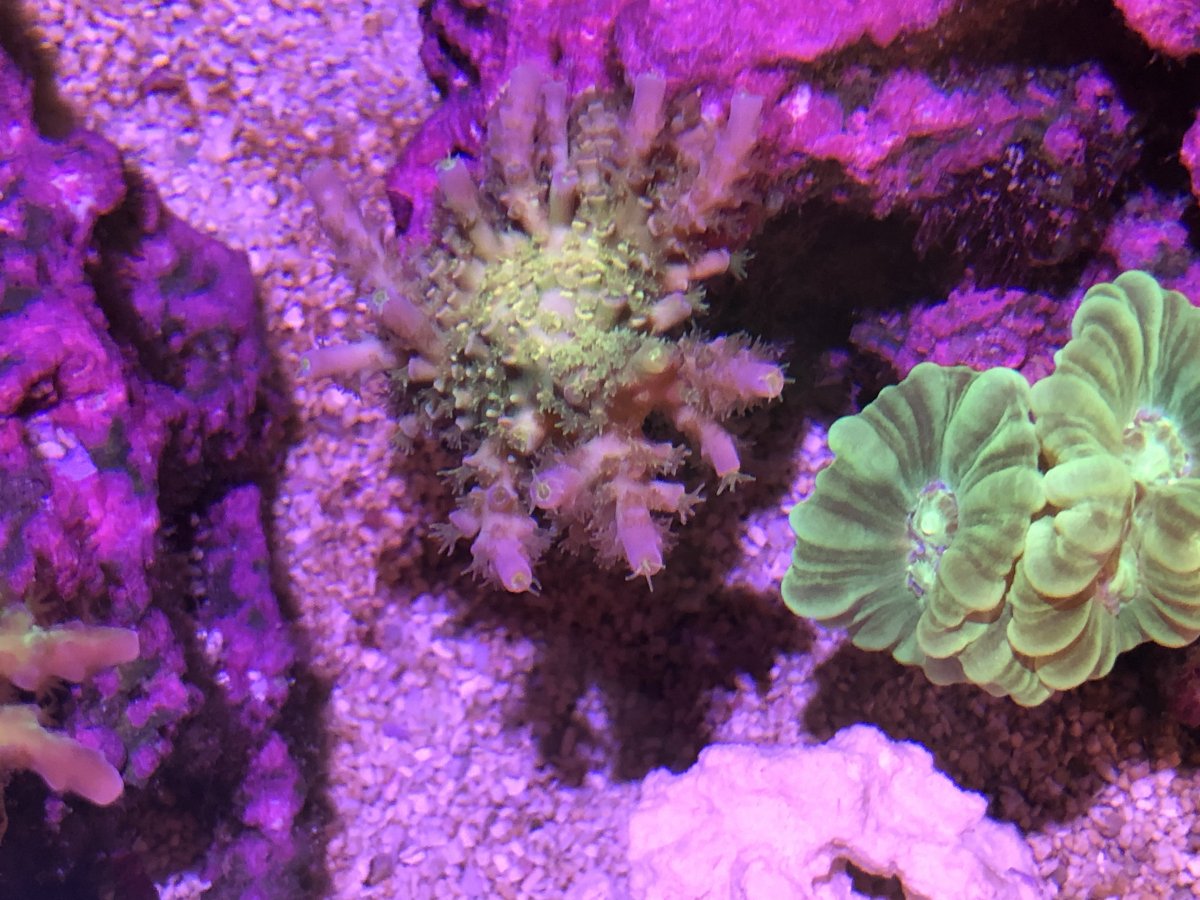
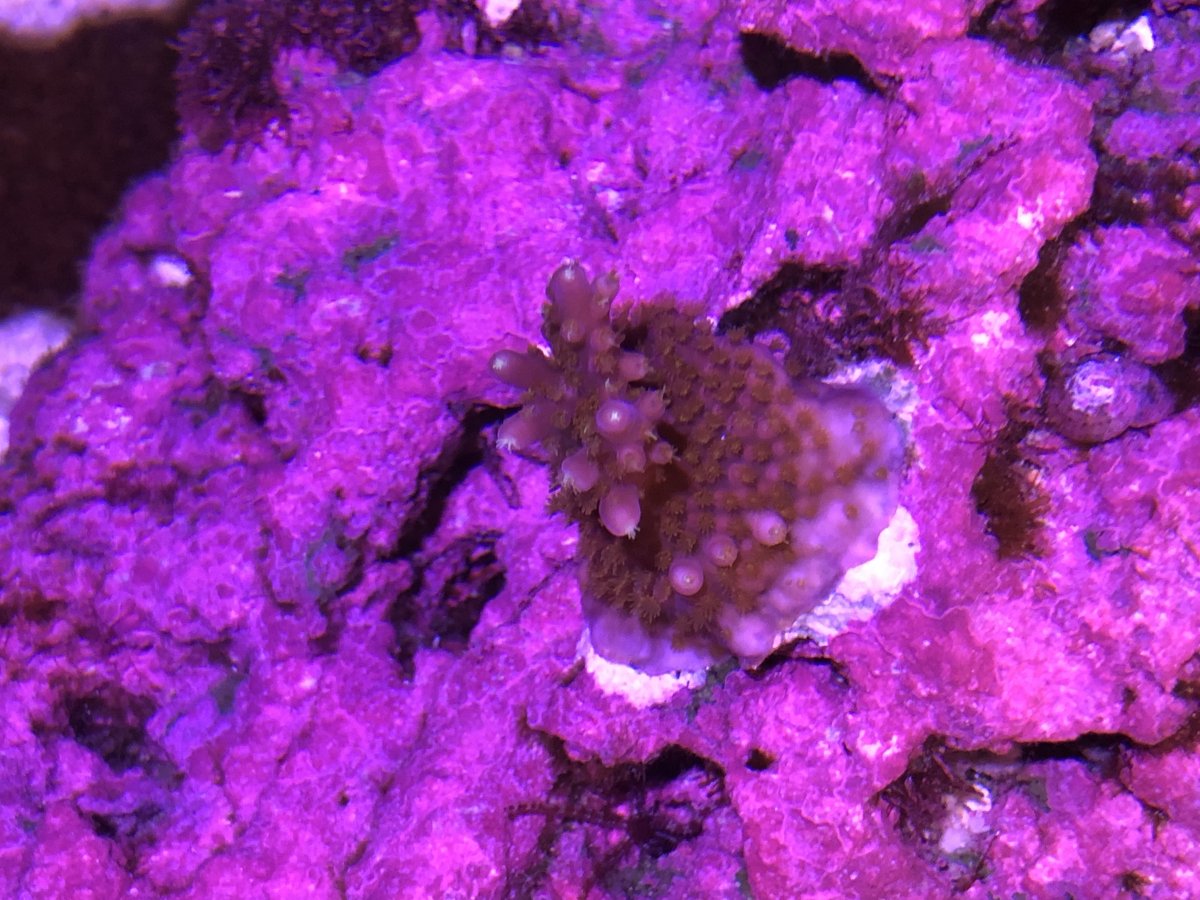
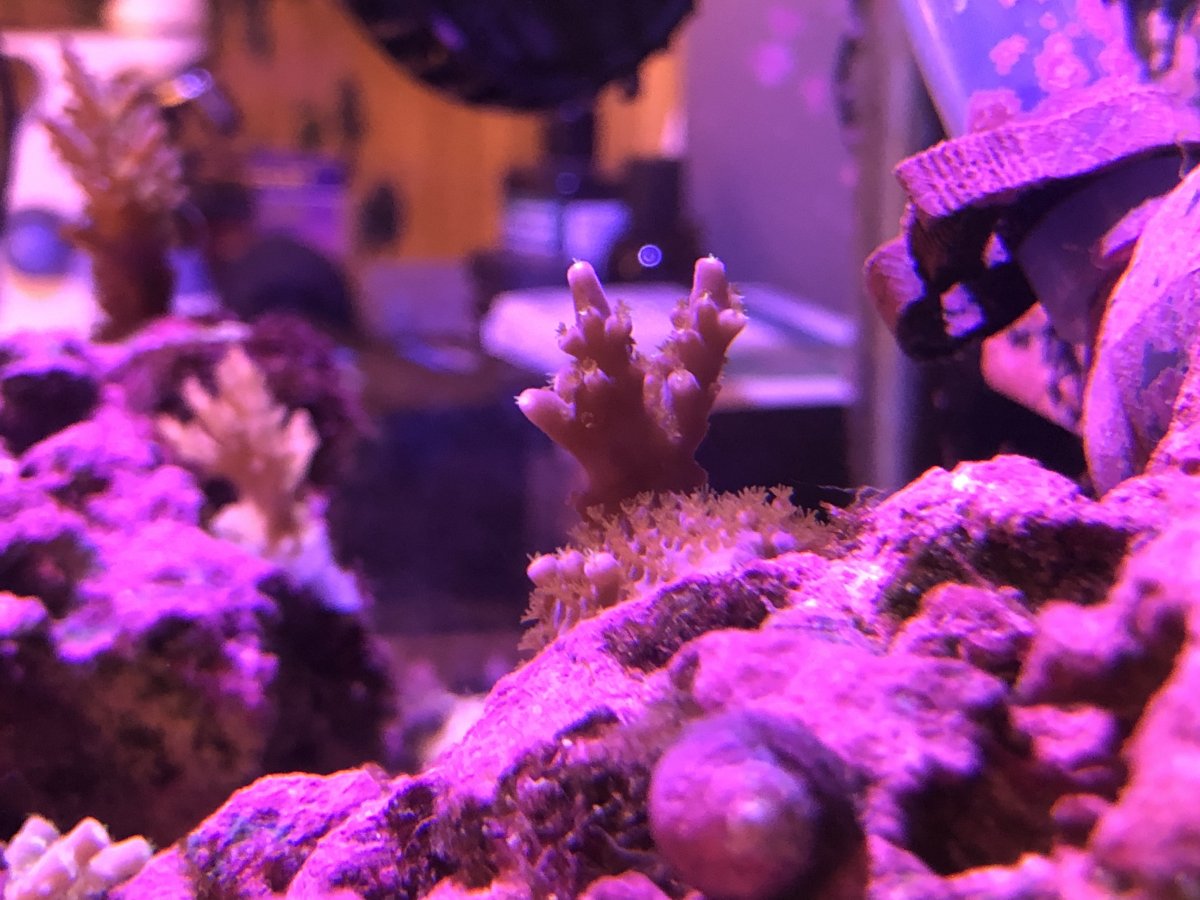
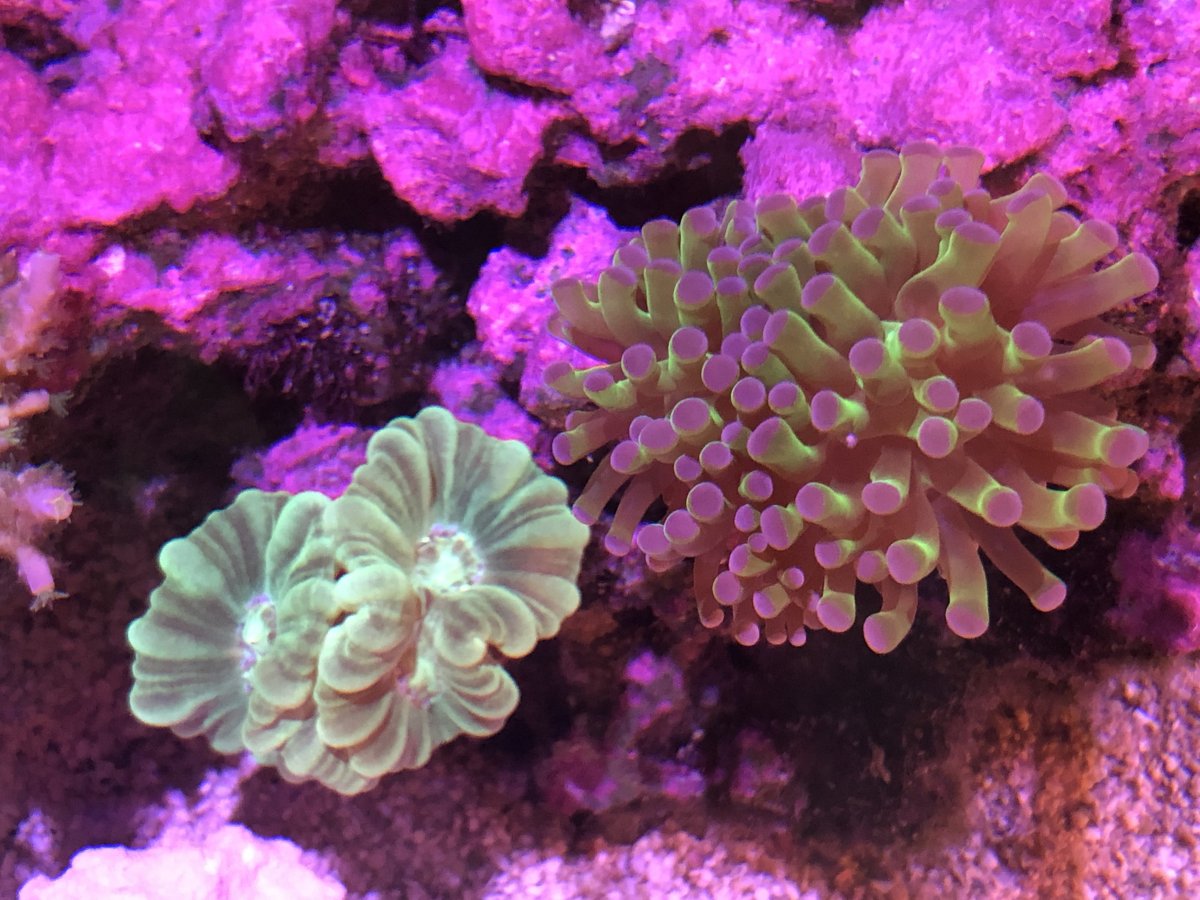
I use a polyplab lens kit with the orange filter on an iPhone 8 Plus for my tank but my photos still come out horribly tinted. Example
A7096A74-B0CB-4FCA-B90D-7FF7D38B0856.jpeg
446AB4F9-2404-4CC1-A802-AB28F94984D8.jpeg
E475DF01-87AE-4B96-BE76-0829A2222FF2.jpeg
4A54FE37-2FBA-4CF3-828D-3DC0C996EB21.jpeg

I imagine the issue is my color blend which is a Kessil A360x at 100% intensity 22% color 90% UV 0 red 0 green. I don’t want to need to change that to take pics unless that’s what everyone else does. When I remove the UV I see a marked improvement in my photos though.

Do you all tune your lighting to take a photo or is my phone the problem or something?
 
I should add I’ve tried the app Aquarium Cam but dislike how it lower quality and doesn’t allow you to manually set focus point which means often it focuses on my sand. Also can’t use the optical zoom with it which is just silly for a camera app.
 
I should also add this is the exact color the corals appear. It’s more the rocks and sand that appear artificially colored.
 
Is there anyone with suggestions? I posted this on BRS Facebook and got the same number of responses... I must be doing something wrong with my photos and lens then but what?

 
I find with my iPhone it‘s best to turn on camera mode and point at tank before adding the orange filter.
If I add the filter before pointing at the tank colours are a mess. I might be ”tricking” the phones auto white balance. If you can get an app that allows manual white balance selection, that will help.
 
I find with my iPhone it‘s best to turn on camera mode and point at tank before adding the orange filter.
If I add the filter before pointing at the tank colours are a mess. I might be ”tricking” the phones auto white balance. If you can get an app that allows manual white balance selection, that will help.
Just to make sure I understand are you saying you put it into the camera app on photo and then add the lens?
 
I also start the app before applying a filter to the camera. I use Android so I can adjust the white balance. Don't know if there is an iPhone option for this but I have found that these are the things that work for me, short of getting my DSLR out
 

TOP 10 Trending Threads

ARE YOU READY TO CONFESS TO CRAZIEST, DUMBEST, FUNNIEST THING YOU’VE EVER DONE IN REEFING?

  • Yeah, I'll confess! (Share your story in the comments!)

    Votes: 74 55.2%
  • Nah, I'll keep mine a secret...(Don't be like that, share with the class!)

    Votes: 60 44.8%
Back
Top
Home
Post thread…
Market
What's new