This is the biggest update of the ReefTech ecosystem so far: your tank comes alive on the dashboard, your ReefDose learns what your tank consumes, and your Red Sea devices can start talking to Home Assistant directly.
##

The aquarium view arrives in the card
A new card, `custom:reef-aquarium-card`, turns a photo of your tank into a living picture, powered by the
ReefTank integration.
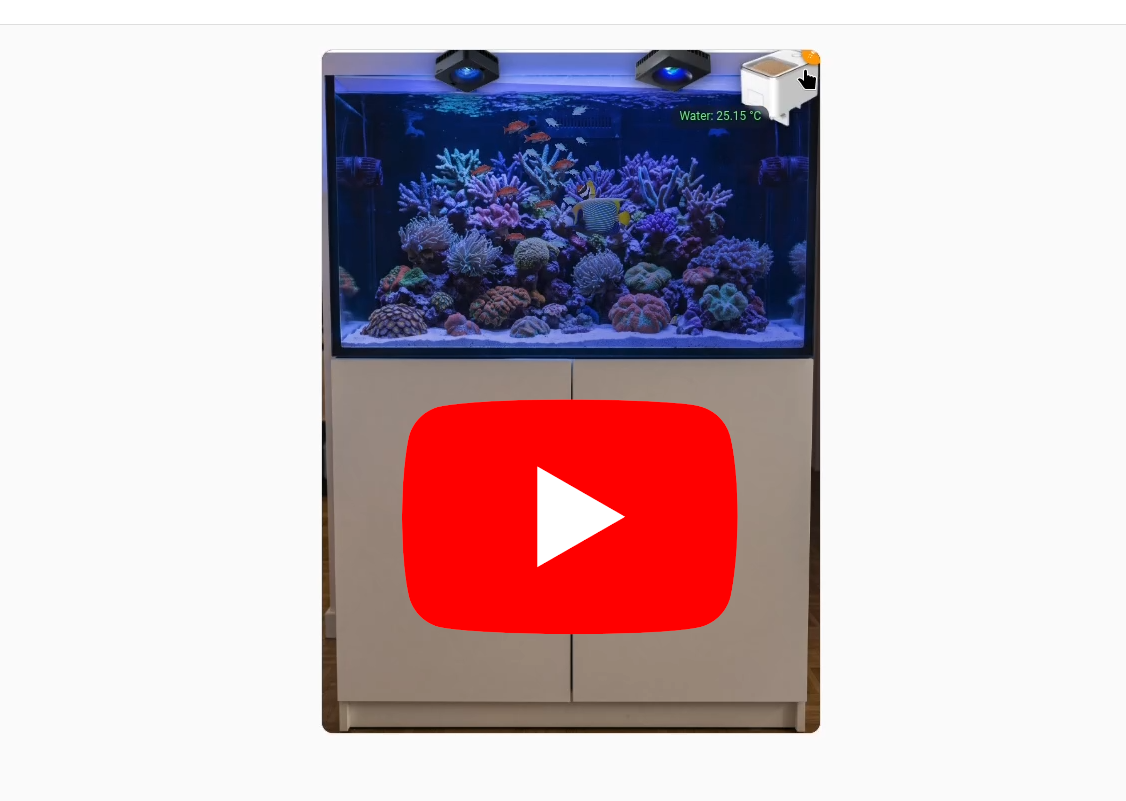
- The water takes the colour and the intensity of your real lamps
- Fish shoal, cruise, crawl on the sand and hide behind your rocks at night; corals sway with your pumps
- The fish rush to the feeding point at each feeding
- Your devices and entities sit on the picture, as thumbnails or outlined on it. One tap opens them
- No nice picture of the water? Draw it with the rock and sand textures of the catalog
Red Sea, Aqua Medic or anything else Home Assistant knows: the view does not depend on your brand.
##

Water monitoring
ReefTank now watches your pH and ORP, and compares your tank with its own last 14 days rather than with universal limits.
- Six alarms: pH below its usual level, wider pH swing, disturbed day pattern, ORP below its usual level, suspect probe, KH moving too fast
- Works with any pH or ORP entity. A room CO2 sensor helps tell a CO2 effect from a real KH drop
- Your KH tests refine the diagnosis, and give an estimated KH between two tests
- A probe calibration is recognised by itself. A pause switch covers cleanings and water changes
Set it up from the new **Monitoring** tab of the scene editor.
##

ReefDose: dose regulation
- **Assisted dosing**: set a target, record your test results, and the integration estimates what your tank consumes and proposes a new daily dose. KH, calcium, magnesium, potassium, nitrate, phosphate, iodine and iron. Nothing reaches the doser until you apply it
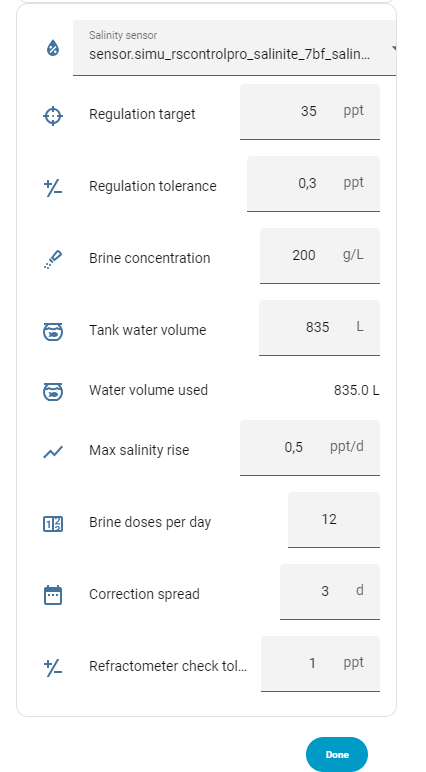
- **Brine**: a new _DIY - Brine_ supplement holds your salinity on target from a ReefControl EC probe or any salinity sensor, with safety limits, alarms and a monthly refractometer check
- The potency of many supplements is filled in for you, and the water volume comes from ReefTank or your ReefBeat aquarium
##

Poseidon mode (experimental)
Poseidon puts a local relay between your Red Sea devices and the Red Sea cloud, inside Home Assistant. The ReefBeat app keeps working. By default it only observes; with the _Poseidon_ strategy, what your devices push replaces most of the polling.
- With the _Poseidon_ strategy, changes made in the ReefBeat app show up in Home Assistant right away
- ReefDose: history of every dose, a **Last dose** sensor and a `redsea_dose` event
- Device alarms (full skimmer cup, pump missing, leak, empty container...) as `redsea_notification` events
- A trident on each device in the card, and a rescue script to get back to normal without Home Assistant
- **A watchdog in reefbeatEnergyBackup**: it watches the relay from outside and switches your devices back to the Red Sea cloud if the relay dies, or before its hotspot starts
**ReefATO+ owners, your help is needed.** I do not own one, so Poseidon has never run on a ReefATO+. Use the _Spy_ strategy first, then send me its logs and/or open the repair issues it raises: see the [[documentation](https://github.com/Elwinmage/ha-reefbeat-component/blob/main/doc/en/poseidon.md#strategies)](https://github.com/Elwinmage/ha-reefbeat-component/blob/main/doc/en/poseidon.md#strategies).
>

Poseidon is experimental and **capturing the keys of a device is destructive**: the device is deleted from the ReefBeat cloud and created again. Read the
Poseidon documentation first. Nothing changes if you do not turn it on.
##

New blueprints
- **Heater test**: proves that each heater can hold the tank on its own, one heater per run, with a safe automatic stop. With a power meter, it tells a dead heater from an undersized one
- **Relay watch**: warns you when a relay reads off but its appliance still draws power, a welded contact for instance
## And also
- **ReefControl**: trends after each reading, history over 24 hours or 7 days
- **ReefLed**: the time left in timed manual mode counts down on the lamp
- **ReefWave**: a dedicated preview dialog
- **Messages**: dated, with their origin and a full history
- **VSON fish feeder (hacked with ESPHome)**: a dedicated view in the card
- **Reef maintenance**: new aquarium heater preset, 22 tasks in the library
- **Catalog**: the first coral, the torch coral (_Euphyllia glabrescens_)
- **Phones**: dialogs no longer overflow the card
## Upgrading
Update everything together. The new card needs the new ReefTank, and the new blueprints need the new Red Sea integration. On an existing energy backup, the watchdog also needs the `cryptography` package (`pip3 install --break-system-packages cryptography`).
Since Home Assistant 2026.11, HACS is part of Home Assistant as the **
Marketplace**: updates arrive there, under _Settings > Updates_. Aqua Medic, Reef maintenance and ReefTank are now in the catalog.
| Project | Version |
| ------------------------------------------------ | --------- |
| ha-reefbeat-component | v3.0.0 |
| ha-reef-card | v2.0.0 |
| ha-reeftank-component | v1.0.0 |
| ha-reef-maintenance-component | v1.3.0 |
| ha-reef-blueprints | v1.3.0 |
| reefbeatEnergyBackup | v2.0.0 |
| reeftank-catalog | 2026.11.x |
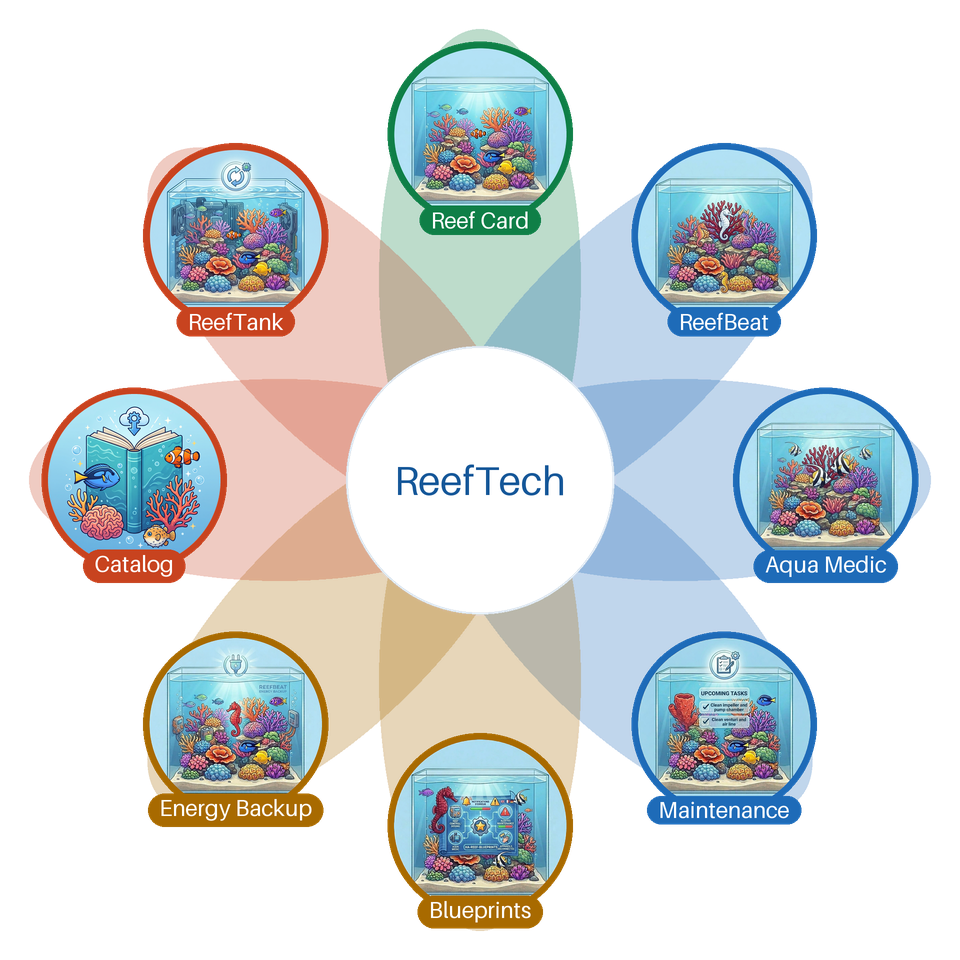
The full story of the project lives on the
ReefTech page.