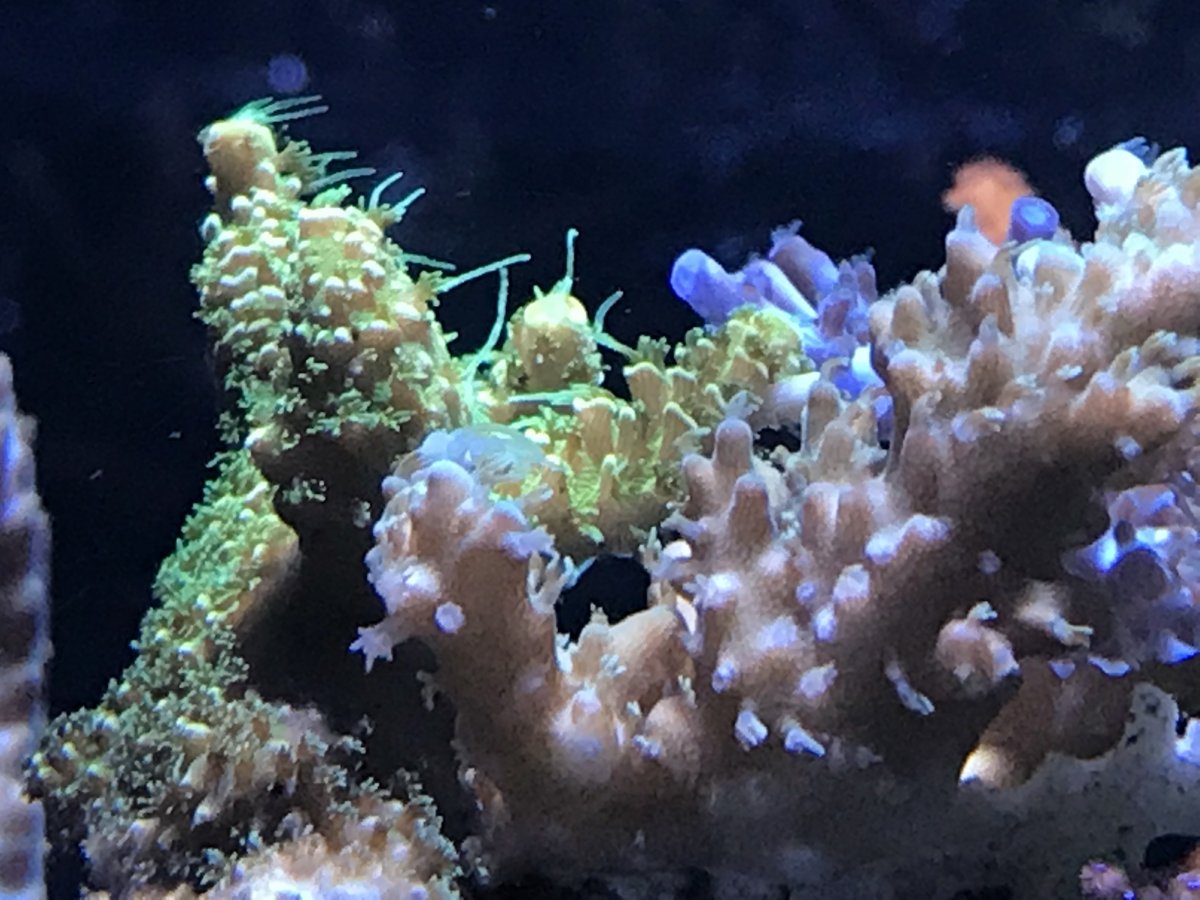
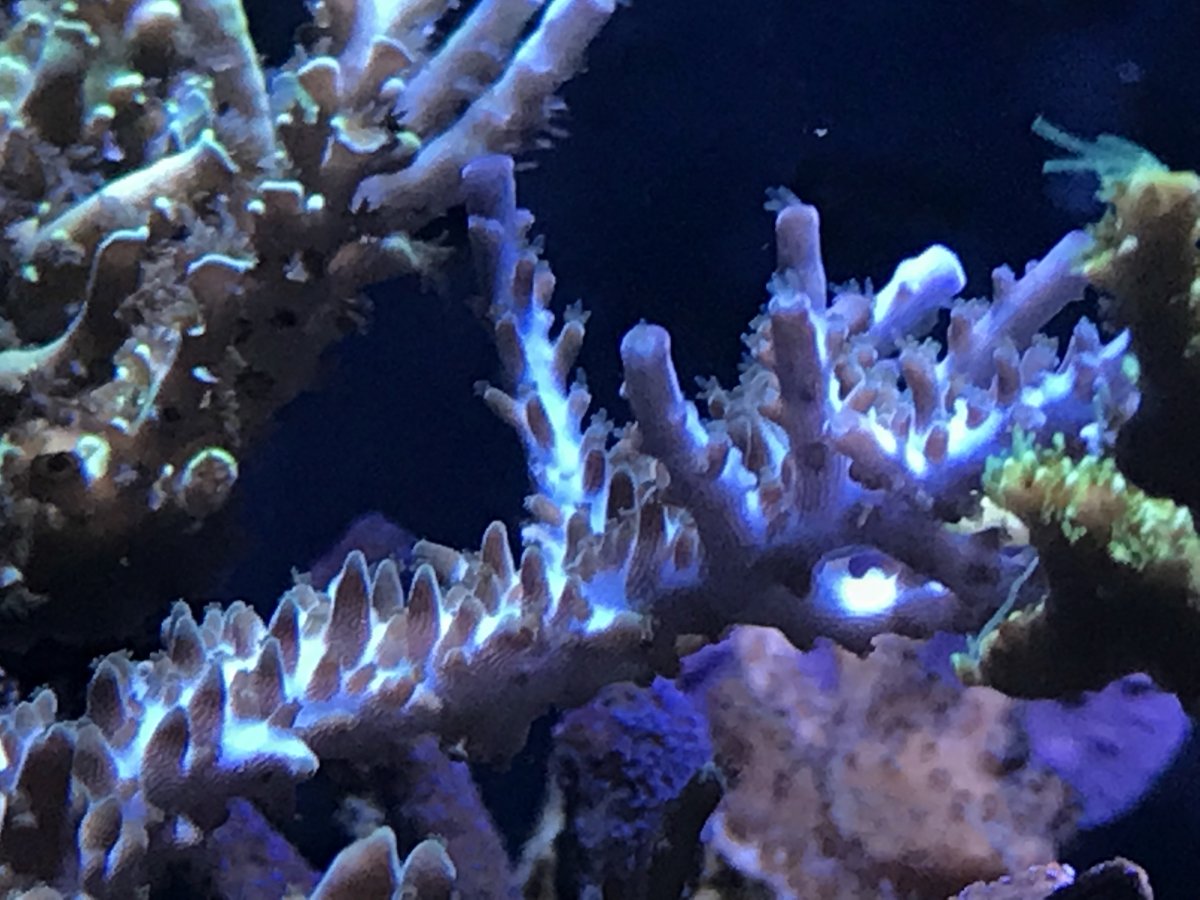
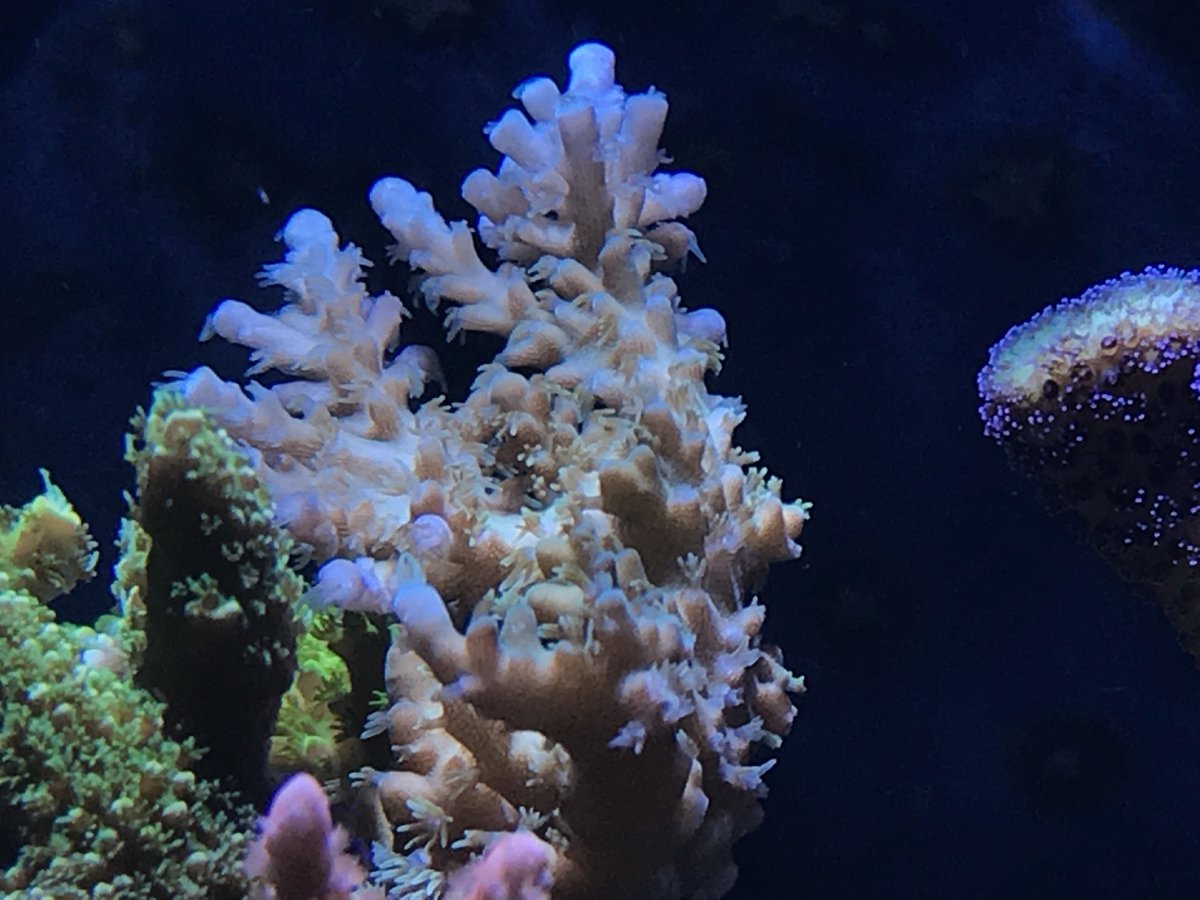
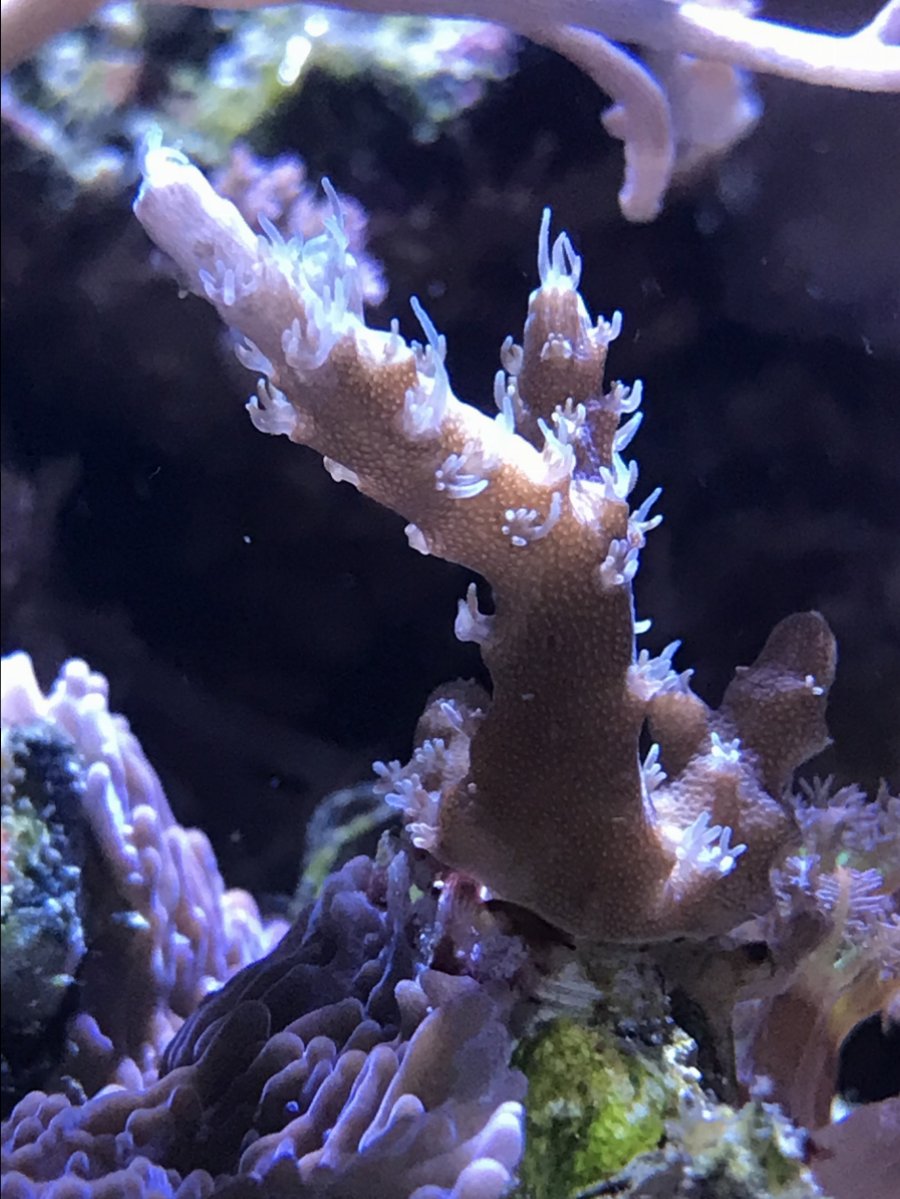
Some of my sps. I am happy to see them grow, one year back I was fairly worried that I might not be able to grow sps in 29g, but here we are after a year
Follow along with the video below to see how to install our site as a web app on your home screen.
Note: This feature may not be available in some browsers.
So, you are using pi to do the pwm, not pca9685?Thank you very much. At 100% I read 0 volts, but at 99% I get about 3.3, and down to 50%, around 1.6. So it’s working perfectly. Thank you again. This build is great fun.
Thanks for the kind wordsThat’s an awesome video thank you for sharing. There are some awesome ideas and concepts on there
Very nice . I wonder how you made those cuts ? Cnc ? Or scrollsaw ?I’ve managed to do a bit more on my build today. I didn’t like the first facade so adjusted it as in second picture to neaten it up a bit. I’m still waiting on delivery of my 7” touchscreen which I’ll mount at the top and my jumper cables to connect my relays. Once this stage is done I will be adding a ph, temp probe and hopefully a salinity gauge of some form?! If it’s possible. Then a liquid level sensor in my ato to let me know when my ro needs topping up!
![]()
![]()
So, you are using pi to do the pwm, not pca9685?
Thats very strange; so the vcc is wired (pcb) to 3.3 v probably. Generally we use the pca9685 breakout board and hook it up with 5v vcc, and get 5v pwm. Anyway, as long as it works for you :-)I’m using the Adafruit PWM “hat” version of the pca9685. Its a nice form factor, but it runs 3.3v volt pwm.
Just a normal plunge router amazing bits of kit once you learn how to use them with some control. Took me months of practice but got it now. Thanks though the fact you thought they were cnc is a huge complimentVery nice . I wonder how you made those cuts ? Cnc ? Or scrollsaw ?
Well crud, got the raspberry pi 3b+ loaded and set up with the beta 2.0.0, and ran into problems with it. I add the outlets on the configuration tab, go to the equipment tab and add them there, then i get this
![]()
I then did the stop, delete Db, start and tried again. Same problem as before. So I removed the program, by stop, apt-get uninstall reef-pi, went and installed the 1.5 version and everything did the same as before.
here is the "check system is running"
pi@raspberrypi:~ $ sudo systemctl status reef-pi.service
● reef-pi.service - raspberry pi based reef tank controller
Loaded: loaded (/lib/systemd/system/reef-pi.service; enabled; vendor preset: enabled)
Active: active (running) since Sat 2018-05-19 08:33:43 CDT; 18min ago
Main PID: 1132 (reef-pi)
CGroup: /system.slice/reef-pi.service
└─1132 /usr/bin/reef-pi -config /etc/reef-pi/config.yml
May 19 08:42:44 raspberrypi reef-pi[1132]: 2018/05/19 08:42:44 health check: Used memory: 19.5 Load5: 0.25
May 19 08:43:44 raspberrypi reef-pi[1132]: 2018/05/19 08:43:44 health check: Used memory: 19.51 Load5: 0.25
May 19 08:44:44 raspberrypi reef-pi[1132]: 2018/05/19 08:44:44 health check: Used memory: 19.54 Load5: 0.23
May 19 08:45:44 raspberrypi reef-pi[1132]: 2018/05/19 08:45:44 health check: Used memory: 19.53 Load5: 0.24
May 19 08:46:44 raspberrypi reef-pi[1132]: 2018/05/19 08:46:44 health check: Used memory: 19.57 Load5: 0.22
May 19 08:47:44 raspberrypi reef-pi[1132]: 2018/05/19 08:47:44 health check: Used memory: 19.57 Load5: 0.23
May 19 08:48:44 raspberrypi reef-pi[1132]: 2018/05/19 08:48:44 health check: Used memory: 19.57 Load5: 0.23
May 19 08:49:44 raspberrypi reef-pi[1132]: 2018/05/19 08:49:44 health check: Used memory: 19.57 Load5: 0.22
May 19 08:50:44 raspberrypi reef-pi[1132]: 2018/05/19 08:50:44 health check: Used memory: 19.56 Load5: 0.21
May 19 08:51:44 raspberrypi reef-pi[1132]: 2018/05/19 08:51:44 health check: Used memory: 19.55 Load5: 0.2
pi@raspberrypi:~ $
and the error log
pi@raspberrypi:~ $ sudo journalctl -fu reef-pi.service
-- Logs begin at Thu 2016-11-03 12:16:43 CDT. --
May 19 08:43:44 raspberrypi reef-pi[1132]: 2018/05/19 08:43:44 health check: Used memory: 19.51 Load5: 0.25
May 19 08:44:44 raspberrypi reef-pi[1132]: 2018/05/19 08:44:44 health check: Used memory: 19.54 Load5: 0.23
May 19 08:45:44 raspberrypi reef-pi[1132]: 2018/05/19 08:45:44 health check: Used memory: 19.53 Load5: 0.24
May 19 08:46:44 raspberrypi reef-pi[1132]: 2018/05/19 08:46:44 health check: Used memory: 19.57 Load5: 0.22
May 19 08:47:44 raspberrypi reef-pi[1132]: 2018/05/19 08:47:44 health check: Used memory: 19.57 Load5: 0.23
May 19 08:48:44 raspberrypi reef-pi[1132]: 2018/05/19 08:48:44 health check: Used memory: 19.57 Load5: 0.23
May 19 08:49:44 raspberrypi reef-pi[1132]: 2018/05/19 08:49:44 health check: Used memory: 19.57 Load5: 0.22
May 19 08:50:44 raspberrypi reef-pi[1132]: 2018/05/19 08:50:44 health check: Used memory: 19.56 Load5: 0.21
May 19 08:51:44 raspberrypi reef-pi[1132]: 2018/05/19 08:51:44 health check: Used memory: 19.55 Load5: 0.2
May 19 08:52:44 raspberrypi reef-pi[1132]: 2018/05/19 08:52:44 health check: Used memory: 19.61 Load5: 0.19
May 19 08:53:44 raspberrypi reef-pi[1132]: 2018/05/19 08:53:44 health check: Used memory: 19.64 Load5: 0.18

the adafruit telemetry integration need to be revisited for 2.0 release. Theres a limit of maximum 10 feeds and data rate, thats just too little for 2.0 release , since we are supporting multiple ato, temperature and ph support. I'll take a call on this soon., i.e. get rid of adadfruit integration, or update the guides to reflect the limits (and that paid accounts will be better, since they dont have feed limits). Stay tuned. Currently the integration is broken due to naming convention (it still assumes only one ato and temp sensor). I use the adafruit integration less and less as reef-pi's build in charting capabilities has been significantly improvedThrowing my hat into the ring here. Been reading through the thread and the website. Ordered all my parts and successfully assembled a temp probe and relay control. Also have Adafruit telemetry set up for remote viewing. Works beautifully. Have experience in statistical programming Qin R and Python but physical computing is new to me so the guides are quite helpful. I’m actually borrowing my roommates tank. Included a [crappy] picture. He has a tang and two clowns and a carpet nem...I know nothing about fish or reef keeping but I’m interested in the raspberry pi and DIY automation and happy to have an empirical application. Looking forward to learning all about reef keeping, programming and electronics. Thanks for the wealth of knowledge.
On related notes I tried the beta 2.0 release and it seems the telemetry data isn’t bing sent correctly to Adafruit, health data is sent so token is being read but temp probe data is missing. Downgraded to 1.5 and all works fine
![]()
I have not really decided on this yet. I know the limitations and I have to come up with some usable solution (if I can). What I want to avoid is not making wrong api calls to adafruit ( once rate limited , we’ll simply hammer them without any useful result) . So either make it clear about data limit , or allow adjusting which data should be sent , or remove it. If we do end up deciding adafruit integration then only we have to think about some alternatives .@Ranjib
I assumed it was just a naming issue. Adafruit appealed as a simple and easy data view. If you're moving away from adafruit what solution do you recommend for off-network data view? Just remote into the reefpi page?