reef-pi :: An opensource reef tank controller based on Raspberry Pi.

Yes, thank you so much for pointing it out. I’ll update the guide
Done. I have updated the guide. Thanks again. Let me know if you find any other errors
 
For a complete noob like me, it's not clear to me, I need instructions like,

Once reef-pi is installed open your web browser on your raspberry pi and type ....and hit enter

I need fool proof instructions [emoji2]
acknowledged :-)
 
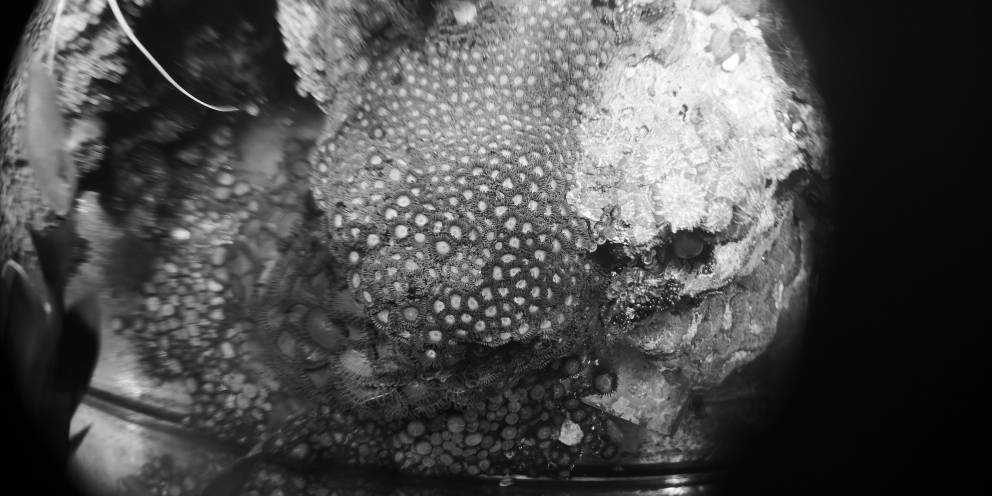
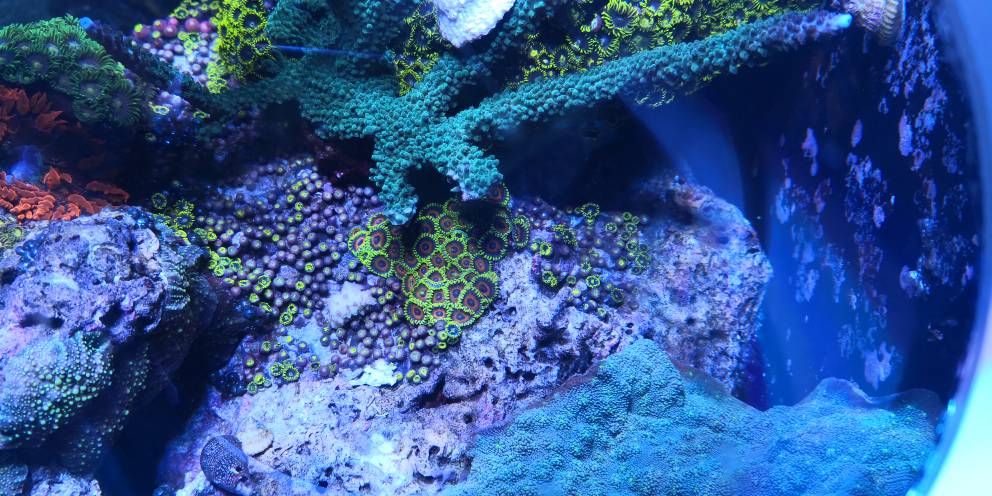
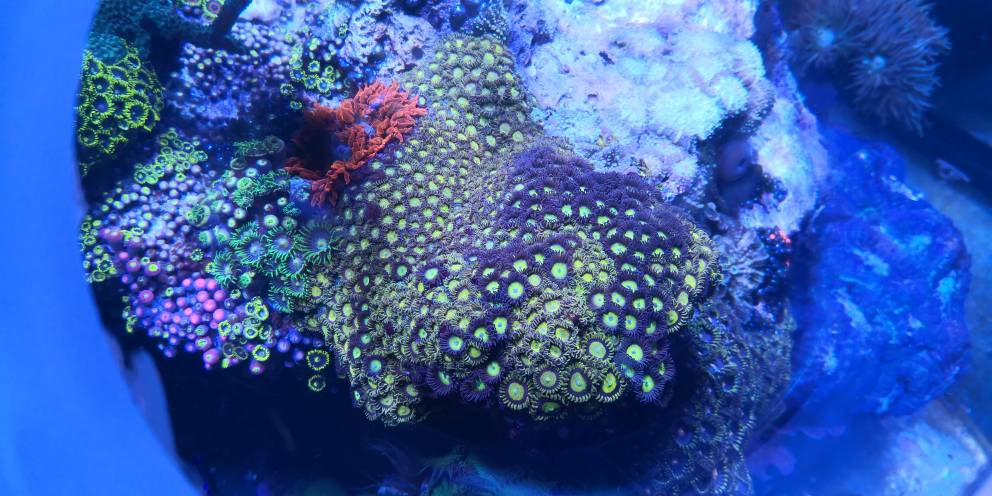
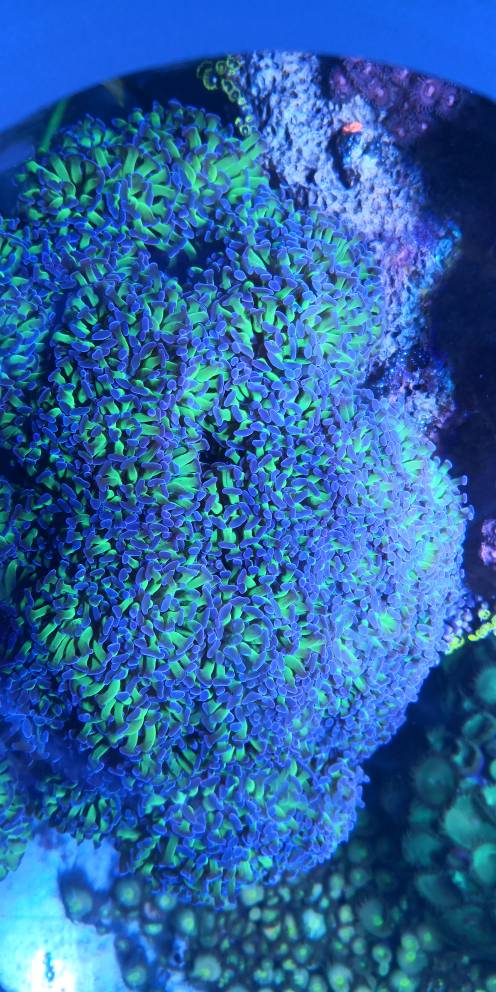
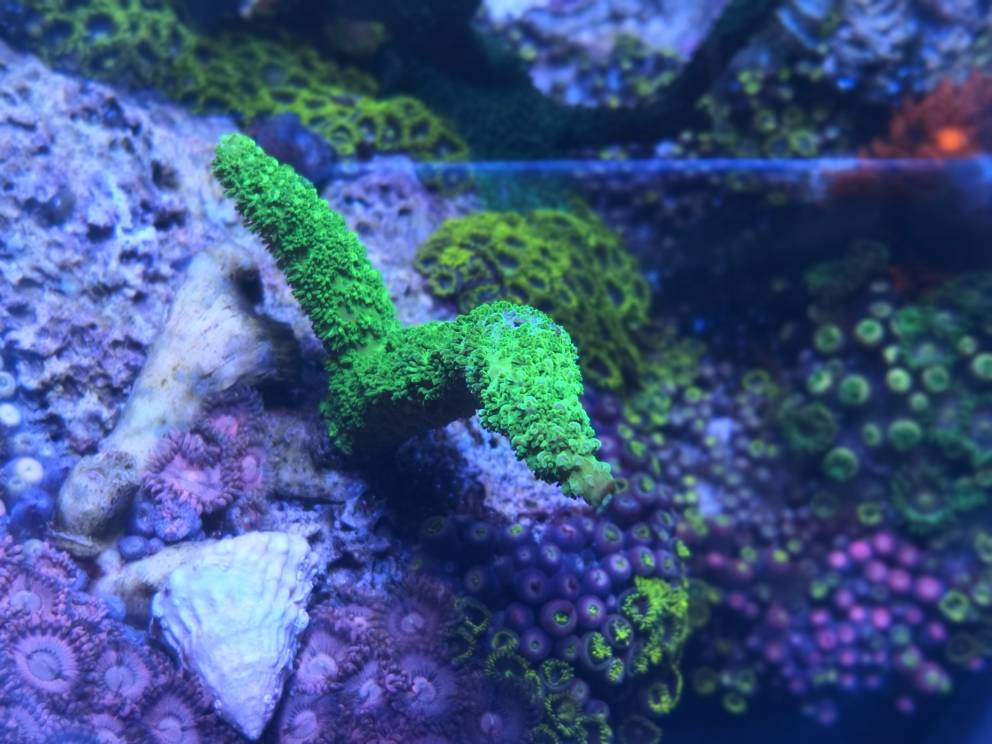
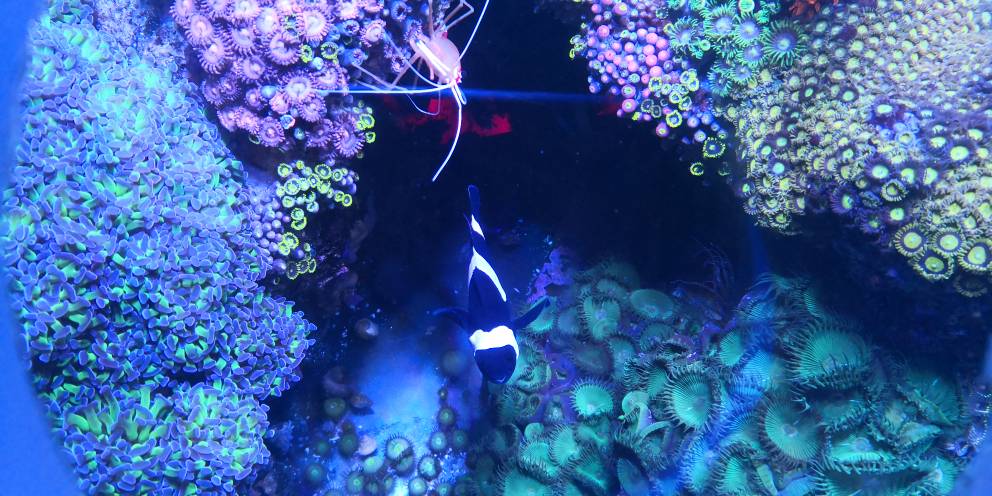
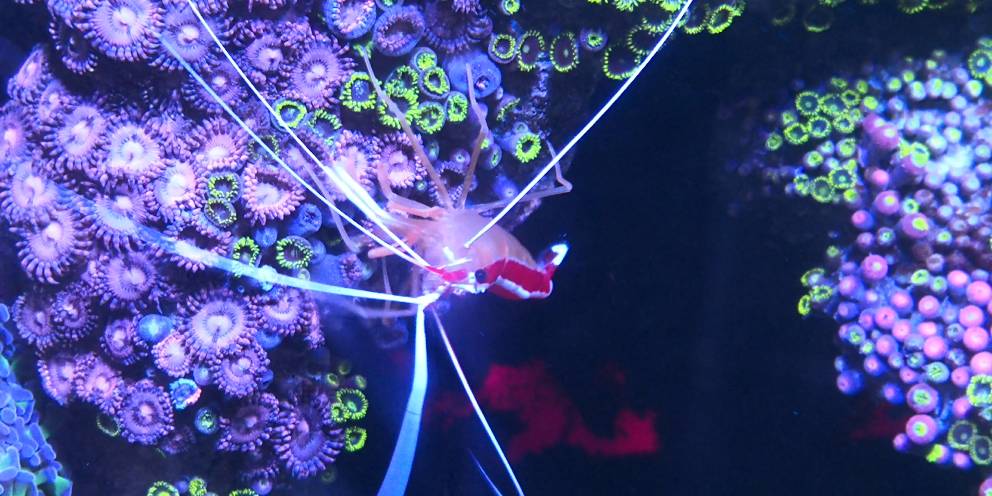
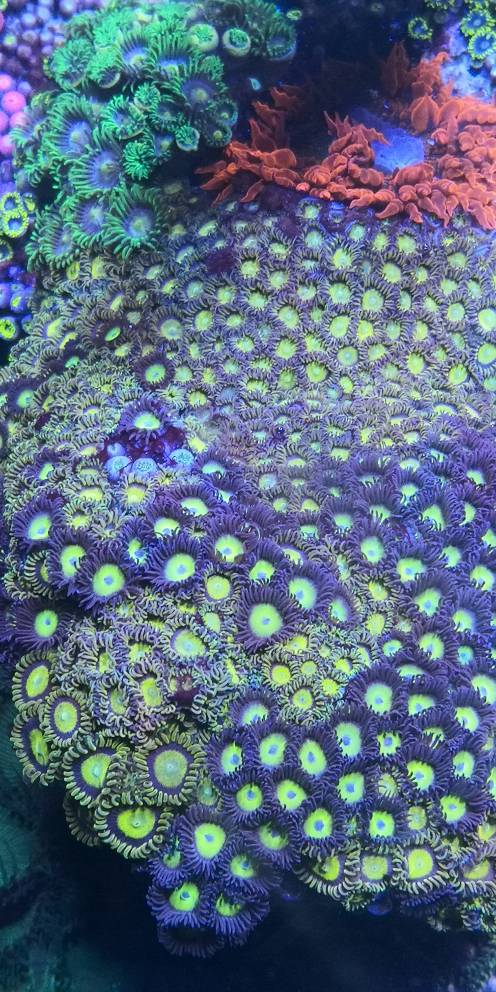
How about corals.
d929b944b2e22ad25908e21bfd89b73f.jpg
2e591d95921ccffc7ab45ae58777cea9.jpg
1c247c822691a2465ae281ebce935407.jpg
137ec499bd30c0fa116b51c4a495cbda.jpg
60ac1739c6f2ad67d091f9df0b235988.jpg
e8ba33ffe00728d291014ec89910ff92.jpg
4f5356f0ebf97d427a01cadb194323ff.jpg
e223ec0fc3c2eb4bf0655df0bf0454ac.jpg
Always a win
 
I have mentioned this here,
https://learn.adafruit.com/reef-pi-installation-and-configuration/raspberry-pi-configuration
Let me know if this is not clear, I’ll update the guide accordingly
Is there anywhere in the guide that discusses static IP addresses? After loading reef-pi and playing with it for a bit, I decided to set it to a static IP so I wasn't chasing the IP as the leases expire. Chose an IP number higher than average for my house so it wouldn't get stolen by a DHCP device. May set a static IP range on my router at some point if it ever is an issue. What's your take?
 
I am having some strange issues. First off, I am doing away with the audio plugs for sure now. I dont know if I got a bad batch from adafruit or what but I had the second female audio plug short internal on me just from plugging and un-plugging. @speedstar did your temp come back after your issue? I am curios if you may be having issues with the audio jack as well.

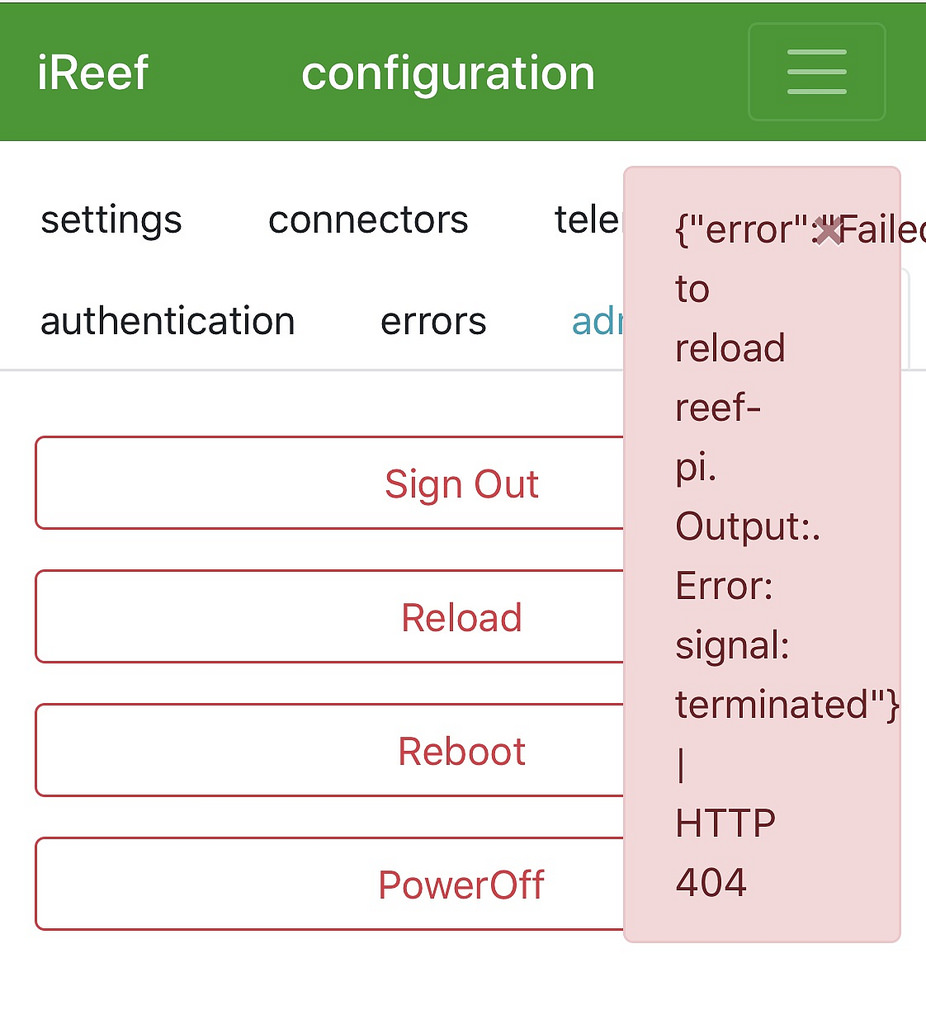
The big two issues I am having may or may not be related. The other day I did a fresh install of everything, configured and tested all my sensors and outlets and all was working flawlessly. The next morning I was testing the timers and macros. I made a change and went to do a reload and got the following error.
31693433438_43047ea5c1_b.jpg

I have tried several things to include removing all changes in reef-pi, reloading the database from the troubleshooting guide, to a fresh install of rasbian and re install of reef pi and this error is always present when I try and do a reload. So far it does not seem to affect anything when I make a change I can do a reboot and and all my changes are still there.

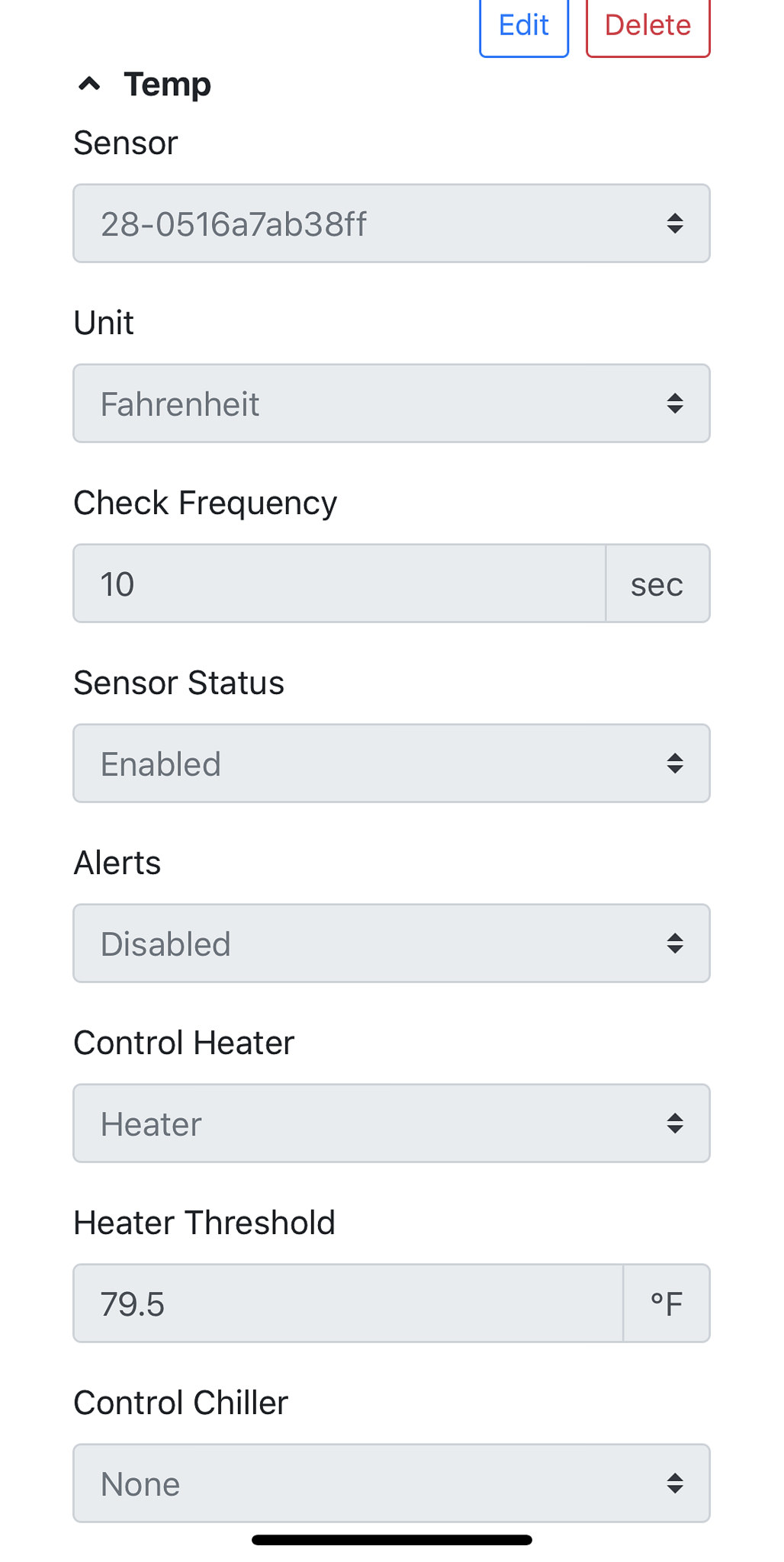
However, insert problem two, which has me baffled. I set up a temp probe and it works, shows the temp on the dashboard and seems to be accurate. The temp in my house is 70 degrees and the temp probes hover around 69-71 throughout the day. When I add control I set it up to trigger my "heater" output with a threshold of 79.5 and a check frequency of 10 seconds for testing. Instantly the heater output turns off. (When testing the other day the heater output would remain on until the probe reached 79.5 and then turn off). It doesnt matter where I put my threshold if I manually turn on the heater output from the equipment tab after 10 seconds it goes off.

I should also add that no logs are showing in error tab

 
Is there anywhere in the guide that discusses static IP addresses? After loading reef-pi and playing with it for a bit, I decided to set it to a static IP so I wasn't chasing the IP as the leases expire. Chose an IP number higher than average for my house so it wouldn't get stolen by a DHCP device. May set a static IP range on my router at some point if it ever is an issue. What's your take?

I set mine up static on my router. I just gave it the DHCP address the router originally gave it.
 
However, insert problem two, which has me baffled. I set up a temp probe and it works, shows the temp on the dashboard and seems to be accurate. The temp in my house is 70 degrees and the temp probes hover around 69-71 throughout the day. When I add control I set it up to trigger my "heater" output with a threshold of 79.5 and a check frequency of 10 seconds for testing. Instantly the heater output turns off. (When testing the other day the heater output would remain on until the probe reached 79.5 and then turn off). It doesnt matter where I put my threshold if I manually turn on the heater output from the equipment tab after 10 seconds it goes off.

Yes I had this same issue and if it’s the same bug I reported, there is a workaround. You have to select an outlet on “control chiller” then you will get the “chiller threshold” option to appear. Put in a temperature higher than your heater threshold. Now you can switch the “control chiller” back to “none” and the heating function should work. Does this fix your problem?
 
I set mine up static on my router. I just gave it the DHCP address the router originally gave it.
I did the same thing. once it was on the network, I reserved that IP for it through my Linksys. I do the same for my Archon, Onkyo head unit and my Wifi Printer. this way I can get to them easier. Plus with PI and Archon, I can access them from outside with a simple port forward.
 
I’ve been running reef-pi since version 0.0.6 in June of 2017 but I finally have built an enclosure for my project.

It is a “rough draft” so to speak with several issues I plan to fix. It is 3D printed and I will release the STL files once I fix the problems. The logo is credit to @MaccaPopEye !!

1C5C0969-7BCC-4A37-BD35-9A75CAD28412.jpeg 36EFEEF2-F4C9-460F-93EB-3F6A4A87F8AB.jpeg 74DBD88B-1171-40EF-9AB9-6D51519E1B30.jpeg 5D5E2CC3-8994-4A03-A636-11099618880E.jpeg

EB3D99E8-A9A1-488F-8AC8-113D9A27FD5A.jpeg
 
Last edited:
I am having some strange issues. First off, I am doing away with the audio plugs for sure now. I dont know if I got a bad batch from adafruit or what but I had the second female audio plug short internal on me just from plugging and un-plugging. @speedstar did your temp come back after your issue? I am curios if you may be having issues with the audio jack as well.

The big two issues I am having may or may not be related. The other day I did a fresh install of everything, configured and tested all my sensors and outlets and all was working flawlessly. The next morning I was testing the timers and macros. I made a change and went to do a reload and got the following error.
31693433438_43047ea5c1_b.jpg

I have tried several things to include removing all changes in reef-pi, reloading the database from the troubleshooting guide, to a fresh install of rasbian and re install of reef pi and this error is always present when I try and do a reload. So far it does not seem to affect anything when I make a change I can do a reboot and and all my changes are still there.

However, insert problem two, which has me baffled. I set up a temp probe and it works, shows the temp on the dashboard and seems to be accurate. The temp in my house is 70 degrees and the temp probes hover around 69-71 throughout the day. When I add control I set it up to trigger my "heater" output with a threshold of 79.5 and a check frequency of 10 seconds for testing. Instantly the heater output turns off. (When testing the other day the heater output would remain on until the probe reached 79.5 and then turn off). It doesnt matter where I put my threshold if I manually turn on the heater output from the equipment tab after 10 seconds it goes off.

I should also add that no logs are showing in error tab

It has come back i did exercise the connector. I continue to have all kinds of issues, this doesn't make sense as it was rock solid for 2 weeks. Today the web server just hangs though it appears to be running the tank correct. I tried clearing cache different browser etc.
 
I’ve been running reef-pi since version 0.0.6 in June of 2017 but I finally have built an enclosure for my project.

It is a “rough draft” so to speak with several issues I plan to fix. It is 3D printed and I will release the STL files once I fix the problems. The logo is credit to @MaccaPopEye !!

1C5C0969-7BCC-4A37-BD35-9A75CAD28412.jpeg 36EFEEF2-F4C9-460F-93EB-3F6A4A87F8AB.jpeg 74DBD88B-1171-40EF-9AB9-6D51519E1B30.jpeg 5D5E2CC3-8994-4A03-A636-11099618880E.jpeg

EB3D99E8-A9A1-488F-8AC8-113D9A27FD5A.jpeg
Are you willing to make these for folks?
 
Yes I had this same issue and if it’s the same bug I reported, there is a workaround. You have to select an outlet on “control chiller” then you will get the “chiller threshold” option to appear. Put in a temperature higher than your heater threshold. Now you can switch the “control chiller” back to “none” and the heating function should work. Does this fix your problem?

@sector9, yup. That did the trick.
 
Is there anywhere in the guide that discusses static IP addresses? After loading reef-pi and playing with it for a bit, I decided to set it to a static IP so I wasn't chasing the IP as the leases expire. Chose an IP number higher than average for my house so it wouldn't get stolen by a DHCP device. May set a static IP range on my router at some point if it ever is an issue. What's your take?
I just change the hostname of my builds and use that to access them instead of IP. For example, the kessil controller is accessed as http://kessil.local, similarly http://ph.local and more..
 
I am having some strange issues. First off, I am doing away with the audio plugs for sure now. I dont know if I got a bad batch from adafruit or what but I had the second female audio plug short internal on me just from plugging and un-plugging. @speedstar did your temp come back after your issue? I am curios if you may be having issues with the audio jack as well.

The big two issues I am having may or may not be related. The other day I did a fresh install of everything, configured and tested all my sensors and outlets and all was working flawlessly. The next morning I was testing the timers and macros. I made a change and went to do a reload and got the following error.
31693433438_43047ea5c1_b.jpg

I have tried several things to include removing all changes in reef-pi, reloading the database from the troubleshooting guide, to a fresh install of rasbian and re install of reef pi and this error is always present when I try and do a reload. So far it does not seem to affect anything when I make a change I can do a reboot and and all my changes are still there.

However, insert problem two, which has me baffled. I set up a temp probe and it works, shows the temp on the dashboard and seems to be accurate. The temp in my house is 70 degrees and the temp probes hover around 69-71 throughout the day. When I add control I set it up to trigger my "heater" output with a threshold of 79.5 and a check frequency of 10 seconds for testing. Instantly the heater output turns off. (When testing the other day the heater output would remain on until the probe reached 79.5 and then turn off). It doesnt matter where I put my threshold if I manually turn on the heater output from the equipment tab after 10 seconds it goes off.

I should also add that no logs are showing in error tab

The first error that you encountered, is benign and expected. Think of it as an UI bug that we need to fix. Its tracked here: https://github.com/reef-pi/reef-pi/issues/510 . This does not indicate any issue reef-pi, its expected since during reef-pi reload it cannot return certain response. We just need to suppress that in UI so that users are not being confused.

Will it be possible to share some more details around your temperature probe setup. Things like outlet configuration (pin and polarity), screenshot of the temperature control configuration etc.
 
I’ve been running reef-pi since version 0.0.6 in June of 2017 but I finally have built an enclosure for my project.

It is a “rough draft” so to speak with several issues I plan to fix. It is 3D printed and I will release the STL files once I fix the problems. The logo is credit to @MaccaPopEye !!

1C5C0969-7BCC-4A37-BD35-9A75CAD28412.jpeg 36EFEEF2-F4C9-460F-93EB-3F6A4A87F8AB.jpeg 74DBD88B-1171-40EF-9AB9-6D51519E1B30.jpeg 5D5E2CC3-8994-4A03-A636-11099618880E.jpeg

EB3D99E8-A9A1-488F-8AC8-113D9A27FD5A.jpeg
Wow :0-) , thats awesome. So you are using reef-pi for more than a year now. I wonder if @Aaron Smith 's build is still in use :-)
 
The first error that you encountered, is benign and expected. Think of it as an UI bug that we need to fix. Its tracked here: https://github.com/reef-pi/reef-pi/issues/510 . This does not indicate any issue reef-pi, its expected since during reef-pi reload it cannot return certain response. We just need to suppress that in UI so that users are not being confused.

Will it be possible to share some more details around your temperature probe setup. Things like outlet configuration (pin and polarity), screenshot of the temperature control configuration etc.

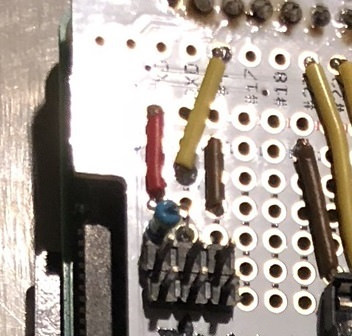
@Ranjib It was fixed with the work around @sector9 mentioned. But I have two sensors in parallel with a 4.7k resistor going to 3.3 volts The wires on the sensor match the polarity of the board black for ground, red for power, and yellow for signal. I also added my config for heater control as it sits after enabling the chiller then turning it back off. I need to try and replicate it again to verify but last night I was playing with alerts also on the temp and continued to get alerts after I disabled them in the UI. But I need to try it again to make sure.

44654186795_29e7b8c6a2.jpg


44654258405_deffa6645f_k.jpg
 

ARE YOU READY TO CONFESS TO CRAZIEST, DUMBEST, FUNNIEST THING YOU’VE EVER DONE IN REEFING?

  • Yeah, I'll confess! (Share your story in the comments!)

    Votes: 14 58.3%
  • Nah, I'll keep mine a secret...(Don't be like that, share with the class!)

    Votes: 10 41.7%
Back
Top
Home
Post thread…
Market
What's new