Thanks
@Mikeneedsahobby I'm in the same boat as
@Galiant50 I have a Raspberry Pi sitting around doing nothing, and I thought why not give it a try. I'm in IT but my Linux is weak and barely know what a breadboard is. This looks like something I can get into though.
Having just started mine, I am was in a similar boat. It really depends on what you want. I went with KASA powerbar implementation since I already have them. This removed to requirement to build my own.
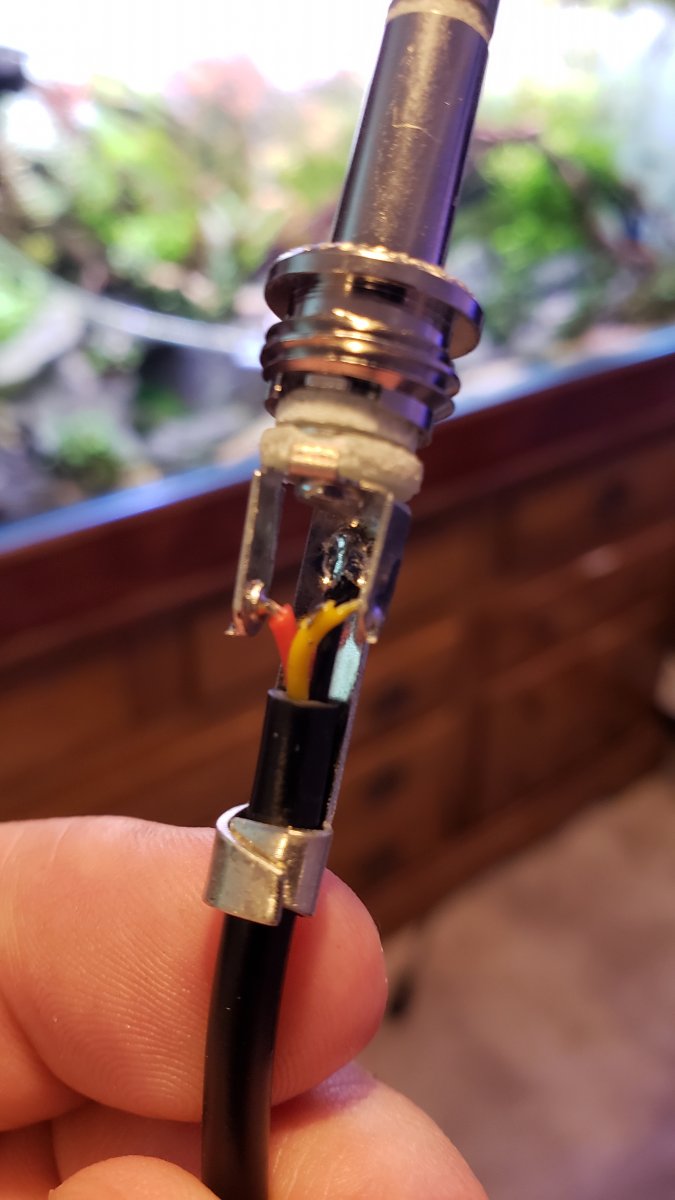
For temp probes, I went with these (picture above, cannotlink
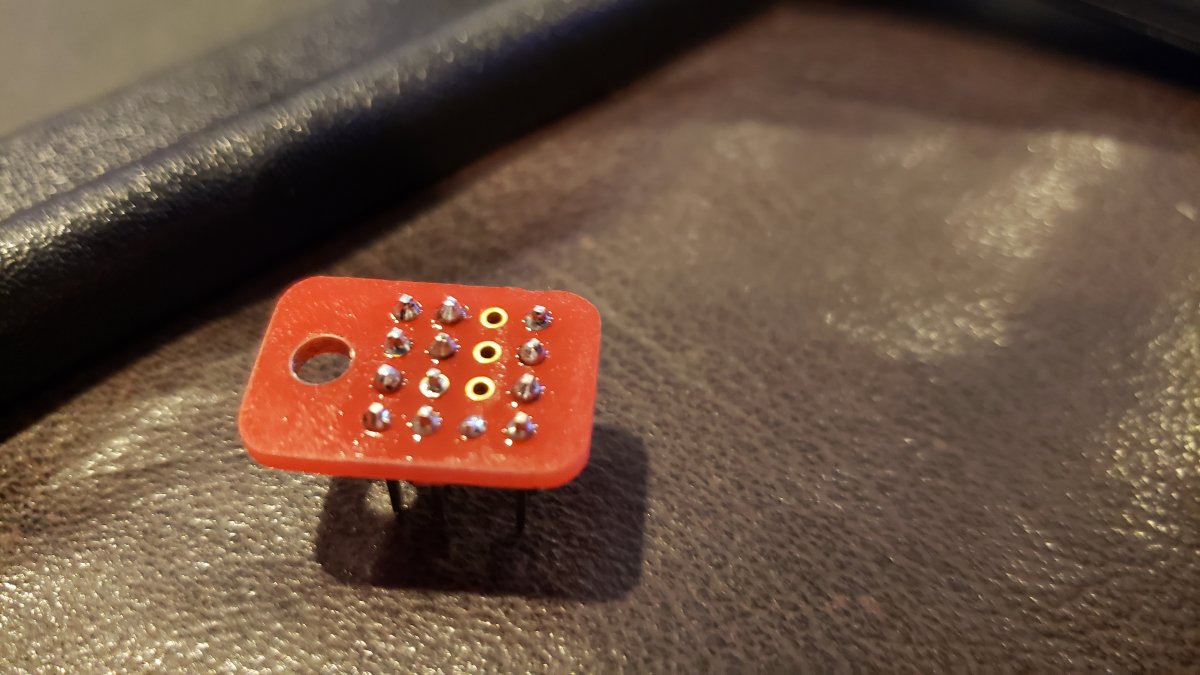
amazon) . Those probes come with a chip that if you look at it, is nothing more than the breadboard design people are showing. It is also much smaller than I could build myself.
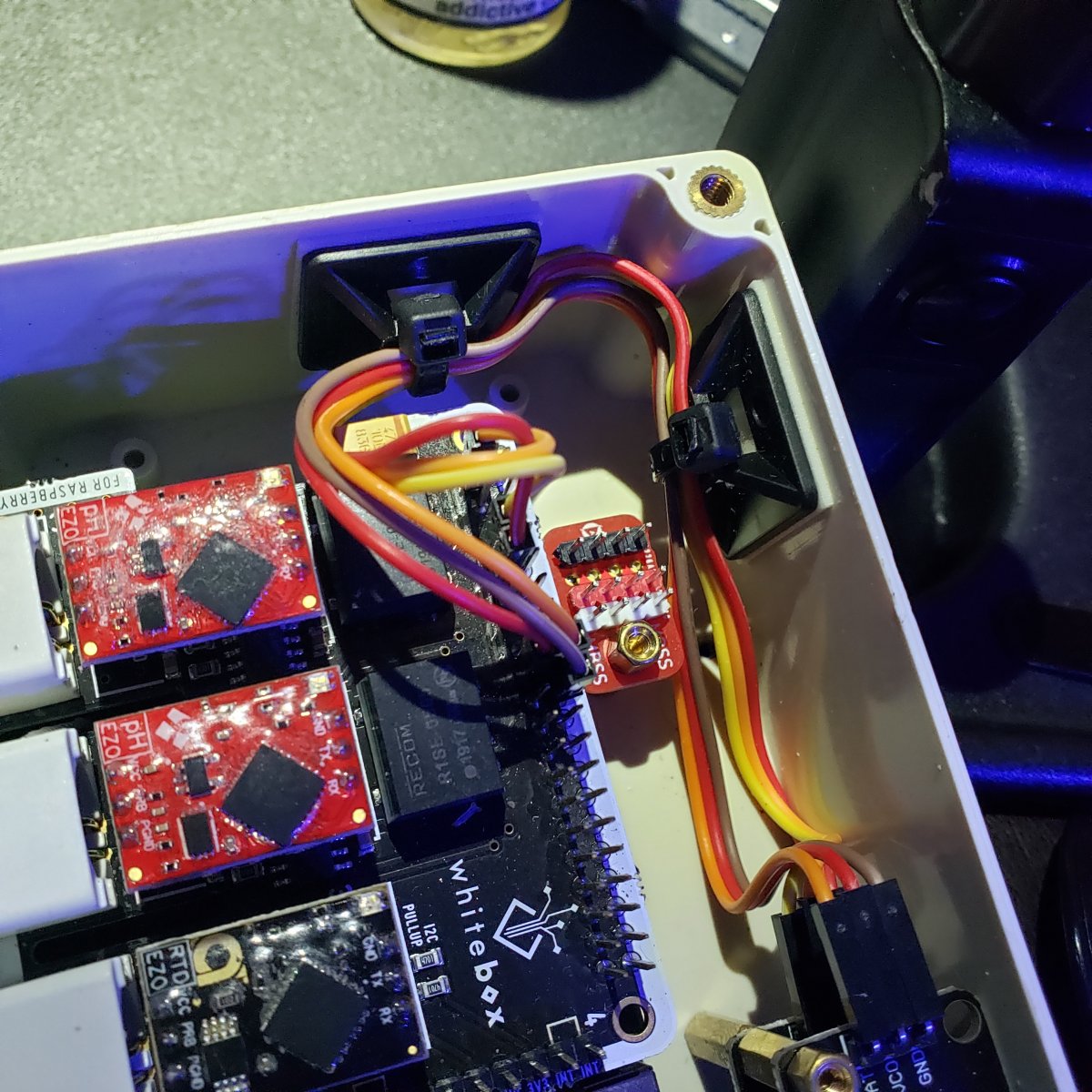
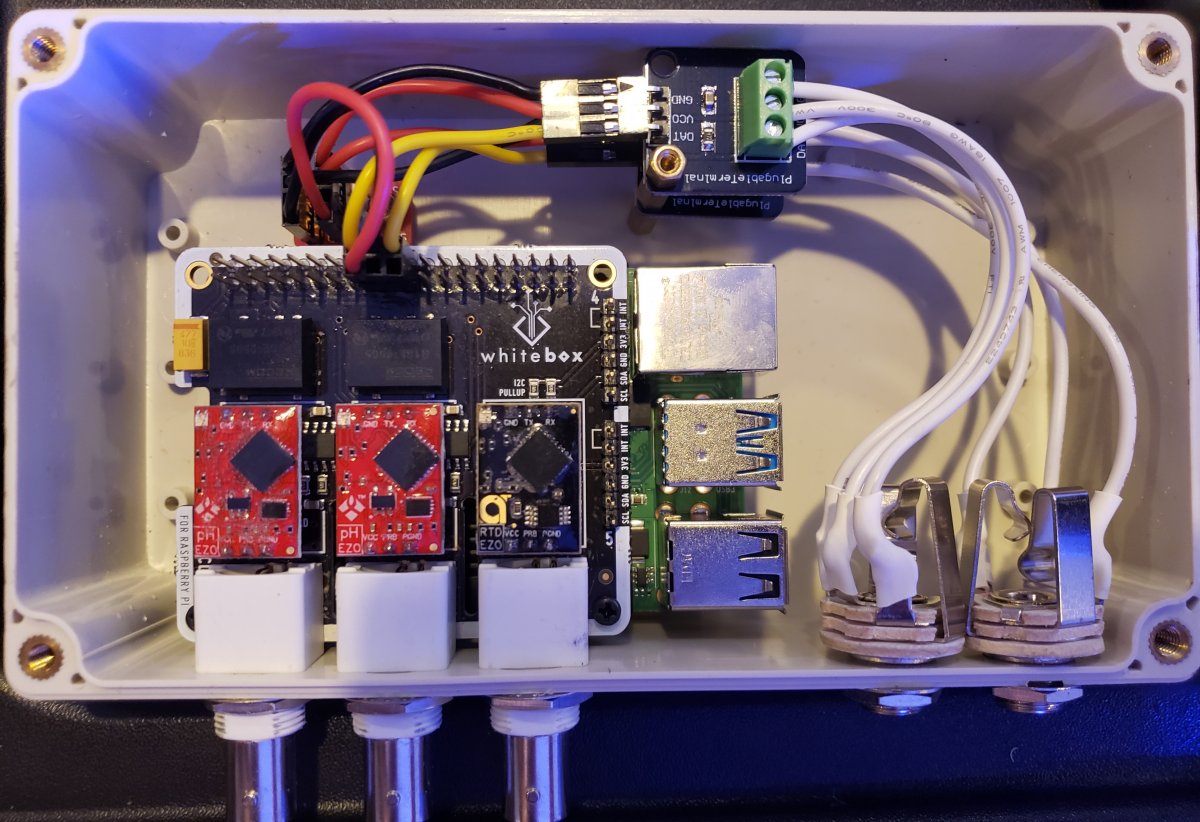
For ph, I went with probes I already had and the atlas scientific EZO line. This is another preconfigured (There are other prefabs in from the community), no breadboard solution. I will note that these chips have 2 modes, uart and i2c. They come default in uart and need switched to i2c. This has been my delay, as they can either be switched using an Arduino and breadboard solution or a toggler atlas sells. If you don't have an arduino and breadboard materials, the toggler is way cheaper, but the breadboard design is easy. Unfortunately, USPS has had my package sitting 2 miles from my house for almost a week now undelivered. Which sucks since I live a mile from microcenter and could have had them switched the same night.
I am hoping to do a video training series on my experience once it's up and running, but still have some things to do.
As for the install and knowing linux, it really wasn't that bad. If you follow some instructions, 95% of the commands I have used at this point were already documented and just copy and paste from instructions. The remainder were ls/dir and sudo restart and a few other basic commands.
This guy has a pretty good install video series. Its worth a watch if you are planning to try it.
For me, the hardest parts (not unmanagable, just more of a pain) were that I did the install headless and wireless. Having ethernet available would have made it easier. The second hardest was once I was installed, finding the terminal and browser software. I ran a few googles one where to find the programs and moved shortcuts to the desktop. After that, run the commands you are told to.
Thus far, I have raspbian/debian installed and working headless, reef-pi 4.0 installed, static IPs set up on router for kasa bars and reef pi, kasa bars configured and mapped, and I have been able to toggle outlets on the kasa bar. Once the toggler arrives, I am pretty sure I can get the probes configured and working that day. I will note, many of the ds18 temp probes are short, like 18 inches, so I would prefer the hardware side done before I mount the pi and finish the setup.
Some others here have gone with a more prefab reef pi board like the robo tank. These did not appear to meet my requirements since I mainly need 2-3 ph probes and 1 temp probe. I use 1 ph for tank monitoring, a second for controlling my calcium reactor, and may need a 3rd for an alkatronic. Temps are just a nice to monitor. If all you need is 1 ph, the reef pi community prefabs may be a faster and easier option.