Maxspect razor x r5 light intensity

  • Thread starter Thread starter Billldg
  • Start date Start date
  • Tagged users Tagged users None
6DFB54F4-0AAB-4BEA-9857-394F776C45CB.png
 
Seriously, cool. My syna-g/icv6 will be arriving Thursday, is this setting in the app?

Hey BillDG ,

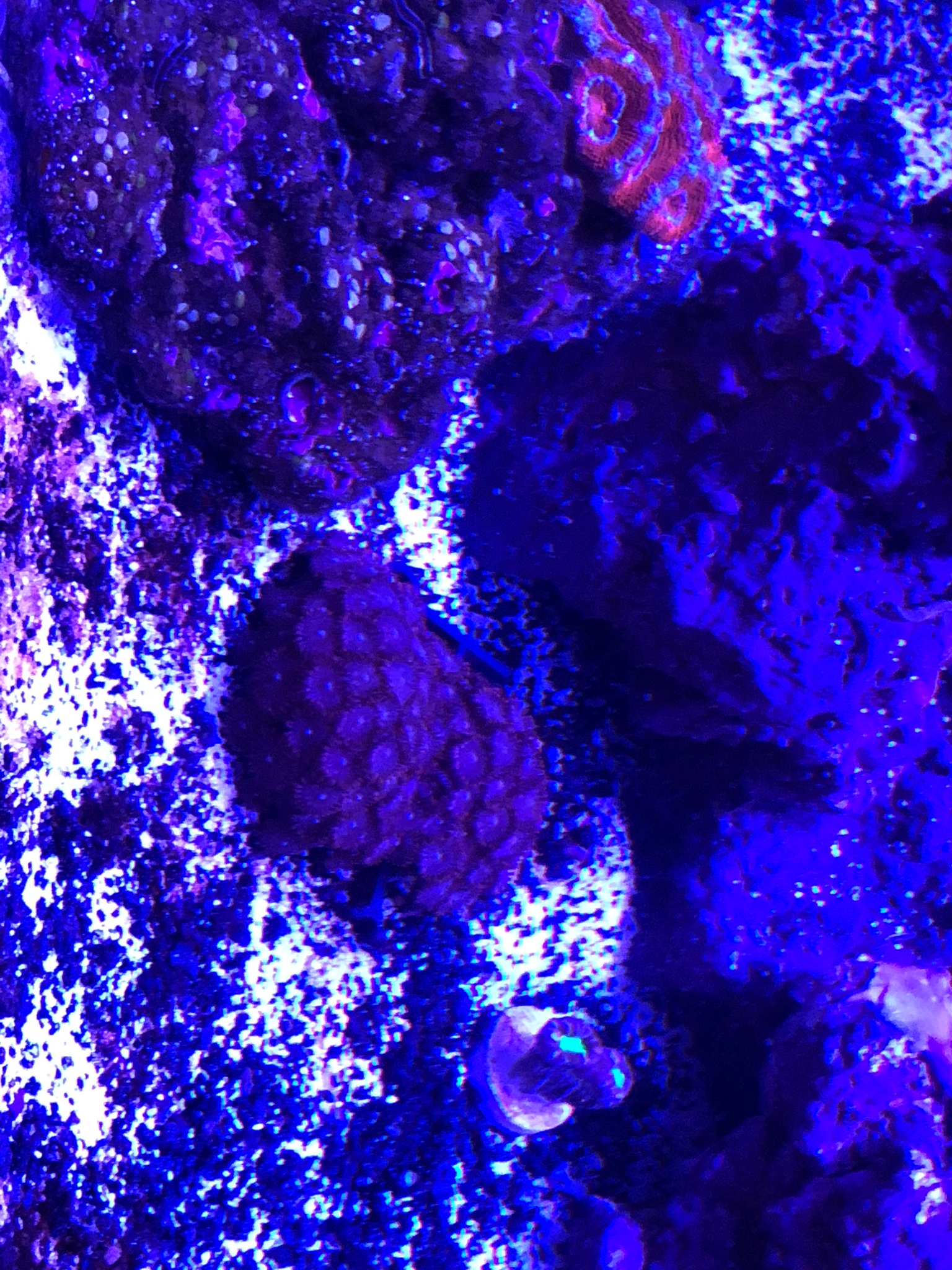
How do you set the start time for the acan pre set mode, having a brain fart today? New corals seem to be doing great zoa colony, acan and neon green candy cane corals . Will take pictures when I get a chance.

About had it with Corals

Thanka
 
R u wanting to change the duration, or donu want to shift the whole schedule over an hour or 2
 
Hey BillDG ,

How do you set the start time for the acan pre set mode, having a brain fart today? New corals seem to be doing great zoa colony, acan and neon green candy cane corals . Will take pictures when I get a chance.

About had it with Corals

Thanka

I want to change the start time to 8:00 am and end at 5:O0 pm. Having a small diatom issue. Having a brain fart today Thanks
 
When u click on the module u are running the lighting schedule graph should appear, just below the graph on either side u will see arrows pointing left and right, if u click those it will move the vertical line on the graph either way to the time points, move it to the time point u want to change and then when the time shows up below it u click on it and a clock will show up, put in you time, you can change the time and intensity this way.

 
My phone that I use to control my lights is at home, when I get home I can be more specific when I have it in front of me, glad to hear your corals are doing good,
 
When u click on the module u are running the lighting schedule graph should appear, just below the graph on either side u will see arrows pointing left and right, if u click those it will move the vertical line on the graph either way to the time points, move it to the time point u want to change and then when the time shows up below it u click on it and a clock will show up, put in you time, you can change the time and intensity this way.


Thanks BillDG
 
My phone that I use to control my lights is at home, when I get home I can be more specific when I have it in front of me, glad to hear your corals are doing good,

Appreciate it much
 
When u click on the module u are running the lighting schedule graph should appear, just below the graph on either side u will see arrows pointing left and right, if u click those it will move the vertical line on the graph either way to the time points, move it to the time point u want to change and then when the time shows up below it u click on it and a clock will show up, put in you time, you can change the time and intensity this way.

b2503261de396d3302e767753dfbad4a.jpg
 
Will the Acan setting be ok for the zoas and candy cane corals? Also getting a hammer coral probably next week
 
@Dan_K1309 , glad to see that old title of about had it with corals changing to I want more corals, lol!!!
 
@Dan_K1309 , glad to see that old title of about had it with corals changing to I want more corals, lol!!!

Your help helped yesterday on the app. I’m curious if you can move the entire graph at once left or right?
 

TOP 10 Trending Threads

IF ONE SYSTEM FAILED WHILE YOU WERE AWAY, WHICH WOULD WORRY YOU MOST?

  • Power or backup power

    Votes: 11 29.7%
  • Heating or cooling

    Votes: 1 2.7%
  • Auto top-off

    Votes: 3 8.1%
  • Return pump or water circulation

    Votes: 3 8.1%
  • Dosing or automated testing

    Votes: 0 0.0%
  • Plumbing, overflow, or leaks

    Votes: 5 13.5%
  • Tank sitter or remote monitoring

    Votes: 1 2.7%
  • Electrical failure of some sort

    Votes: 0 0.0%
  • Seam or structure failure

    Votes: 10 27.0%
  • Something else (tell us in the comments)

    Votes: 3 8.1%
Back
Top
Home
Post thread…
Market
What's new