Thank you for pointing out , I’ll update itAwesome and thank you! What I have been waiting for. Something that is incorrect on the fritzing diagram, you have the ground plugged into the 5v (pin 4), should be on pin 6.
Follow along with the video below to see how to install our site as a web app on your home screen.
Note: This feature may not be available in some browsers.
Thank you for pointing out , I’ll update itAwesome and thank you! What I have been waiting for. Something that is incorrect on the fritzing diagram, you have the ground plugged into the 5v (pin 4), should be on pin 6.
This may be above my pay-grade because I'm assuming you are asking about software tools? I started a thread so as not to hog this forum. https://www.reef2reef.com/threads/current-pump-controller-to-reef-pi.497618/Not at all familiar with these. I imagine this is a digital bus - snoop for I2C or other levels. For example, the APEX is a MODBUS-esque protocol over CAN signaling.
What tools do you have? Pictures of any chips can be helpful.
The pH monitor build guide has been published in adafruit now, https://learn.adafruit.com/reef-pi-guide-7-ph-monitoring
If you are considering building this, please use a voltage isolator circuit (linked in the guide)
The board with the BNC connector is the voltage isolator https://www.atlas-scientific.com/product_pages/components/single_carrier_iso.html@Ranjib i don’t see any reference to the voltage isolation info. Did I miss it? These guides are awesome. Thanks for all the work on this.
the bnc connector listed as part has the voltage isolator. My build pics does not have it, when I built the pH monitor, I was not aware of this (around 7-8 months ago), hence it was not included in my own build. But the guide recommends it, since I learned their importance afterwards. I am planning to upgrade my build with voltage isolator once I am back, expect the guide images to be updated soon after@Ranjib i don’t see any reference to the voltage isolation info. Did I miss it? These guides are awesome. Thanks for all the work on this.
Done. I have update the guide. Thank you so much for reporting this, you are the best :0)Awesome and thank you! What I have been waiting for. Something that is incorrect on the fritzing diagram, you have the ground plugged into the 5v (pin 4), should be on pin 6.
Thank youPosted my reef-pi build in DIY. Hope this gives anyone looking to build their own some ideas. Was very helpful looking at other people's builds when figuring out my own, so trying to give back a little. https://www.reef2reef.com/threads/scottbrews-reef-pi.497789/#post-5325377
Why do failures always happen while you are away lol. Just spent a week on the left coast visiting family and come home to one of my RKL PC4’s not responding. So my algae scrubber, both wavemakers, and my doser where offline. Judging by all the growth in the display and a dying stylo it was probably offline all week :mad:
Looks like the reef-pi priority has shifted.
This is the thing about Wiring your own Relays.. I have some of mine wired to On Without control and some Off Without Control. Meaning . My Return pump Wave pump and so on will be on when the reef-pi is turned off or not working. You just have to reverse them in the Configuration... . Of course you can remotely turn them off with reef-pi.. other equipment like heaters its probably best to have them to be shut off if reef-pi fails.. Unless you have other means of safe guard temp between reef-pi and the Outlet.. I have not tested this with My ink-bird controllers but Its probably how i will do it..
Hope this helps ..
Erica Renee ..
If you want relays that have a normally closed postion as well as normally open, do not get the solid state relays as they won't provide that functionality.@Erica-Renee that is an outstanding idea that I never thought about. My RKL is on its way out so it was no big surprise but wiring relays normally closed for certain equipment is a great idea just in case reef-pi looses connection. I was on the fence to buy the DJ power strip or build my own and I think this just made up my mind.
The RKL uses a pretty simple I2C protocol. Each module has its own I2C address and command set. It's pretty simple to sniff out the address/command bits using the head unit and isolating each command / response cycle. You can use something like this to bridge between the head unit and the first power bar (or whatever module you want to sniff).
https://www.amazon.com/gp/product/B017B69D3U/ref=oh_aui_search_detailpage?ie=UTF8&psc=1
It's a typical four wire connection on the jack (VCC, GND, SDA, SCL).
I had looked at this years ago and stopped at the point of controlling the PB4's and probe modules.
There is no reason you couldn't integrate this into reef-pi although it may be hard to find hardware now. I always thought DA should open source the hardware since their UI/UX was lacking and it was obvious they weren't going to put any real investment into furthering the product line. Which sucks because their hardware has always been rock solid. I still have a DA setup on a paludarium I did almost a decade ago now, and it's still going strong.

Are you saying that pi 3 comes with 2 pwm port already? Without any other parts.18 & 19
This is a more general aspect of building reef-pi, that you get to customize whole lot of things. Its blessing and a curse at the same time. It make each of our builds unique (depending upon how much you customize), tuned specific to each of our needs (like not only NC/NO, you can also make a single GPIO controlling multiple relays together, for example, or have different types of relays [solid state and mechanical]).@Erica-Renee that is an outstanding idea that I never thought about. My RKL is on its way out so it was no big surprise but wiring relays normally closed for certain equipment is a great idea just in case reef-pi looses connection. I was on the fence to buy the DJ power strip or build my own and I think this just made up my mind.
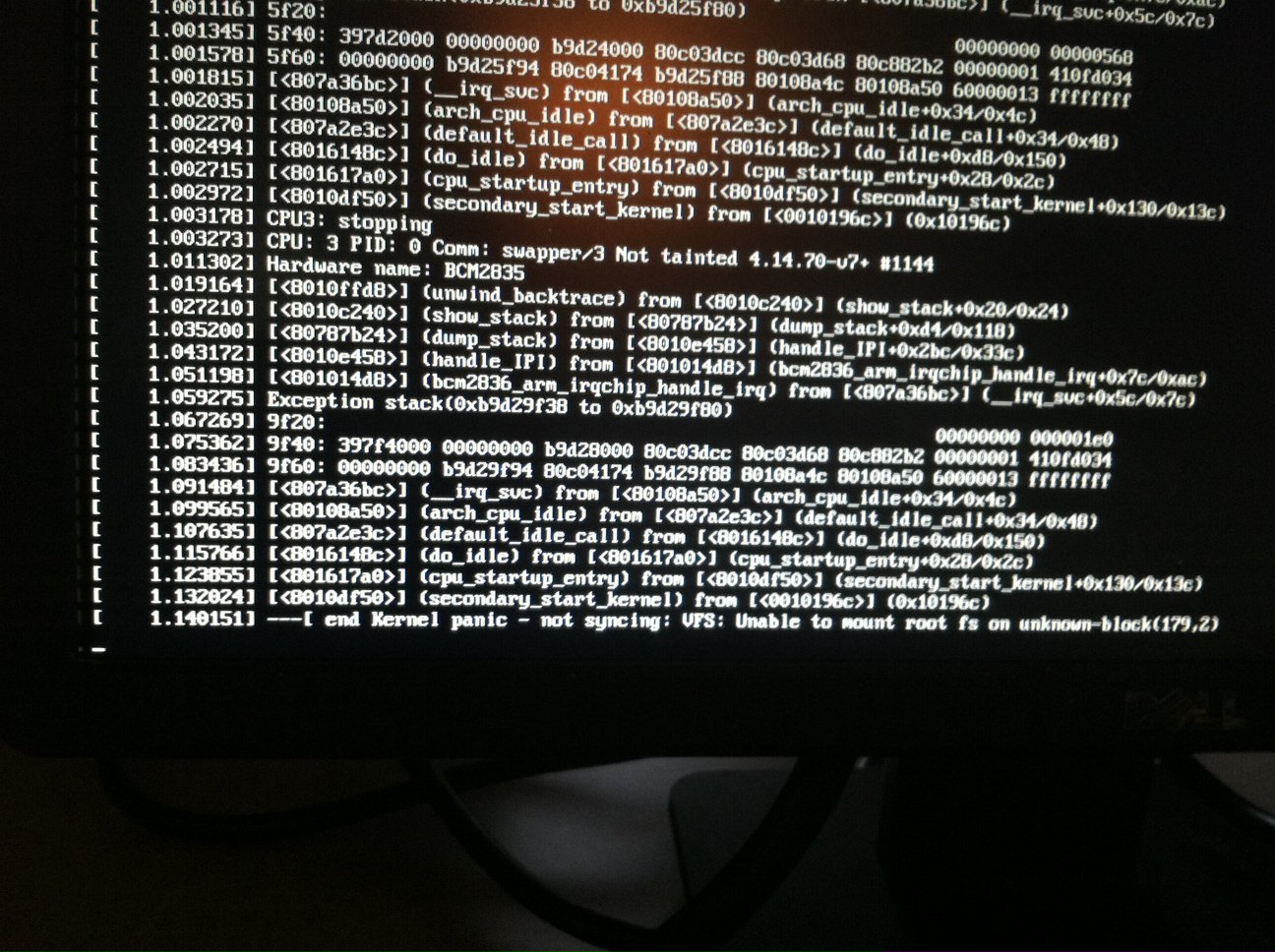
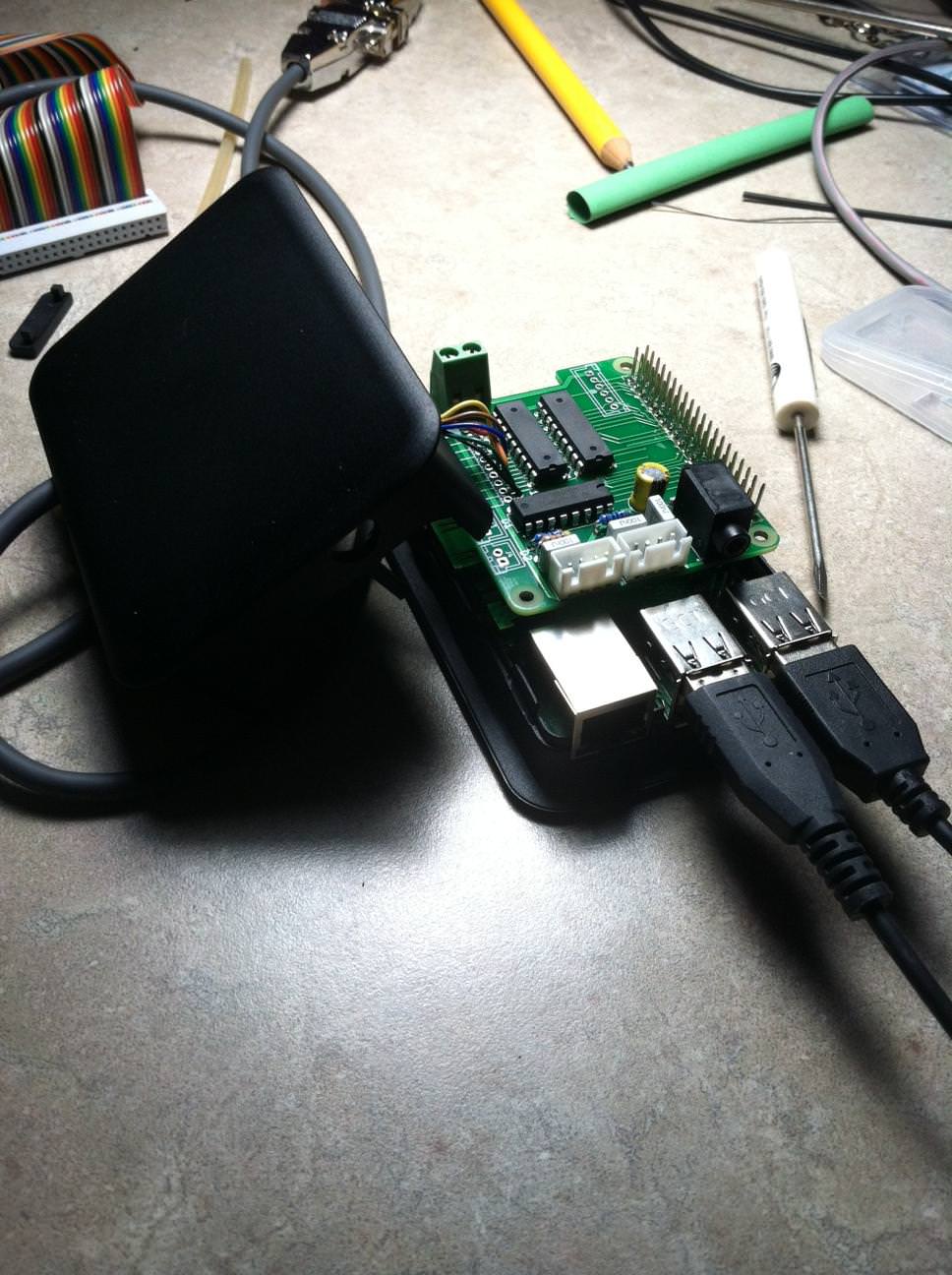
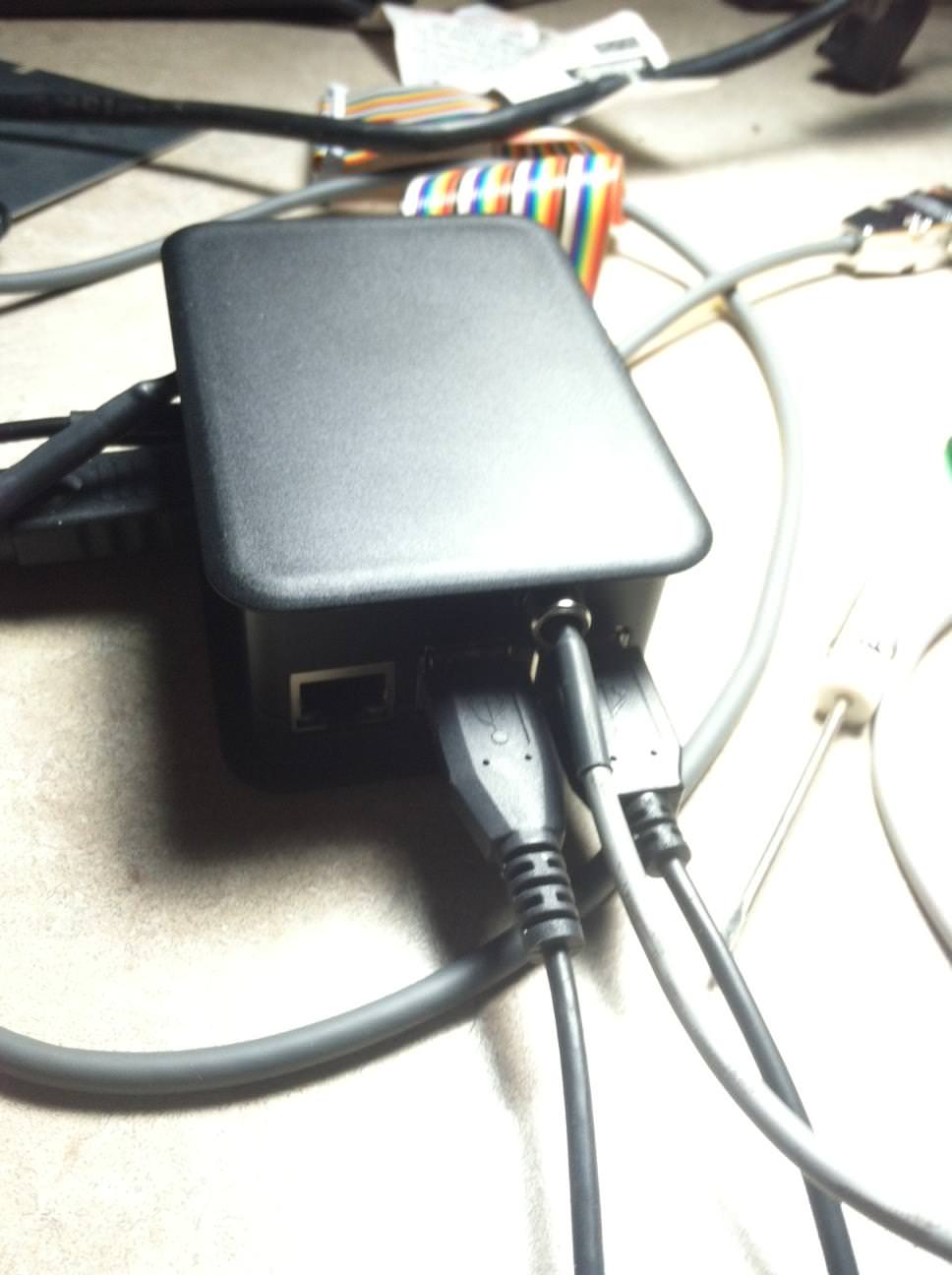
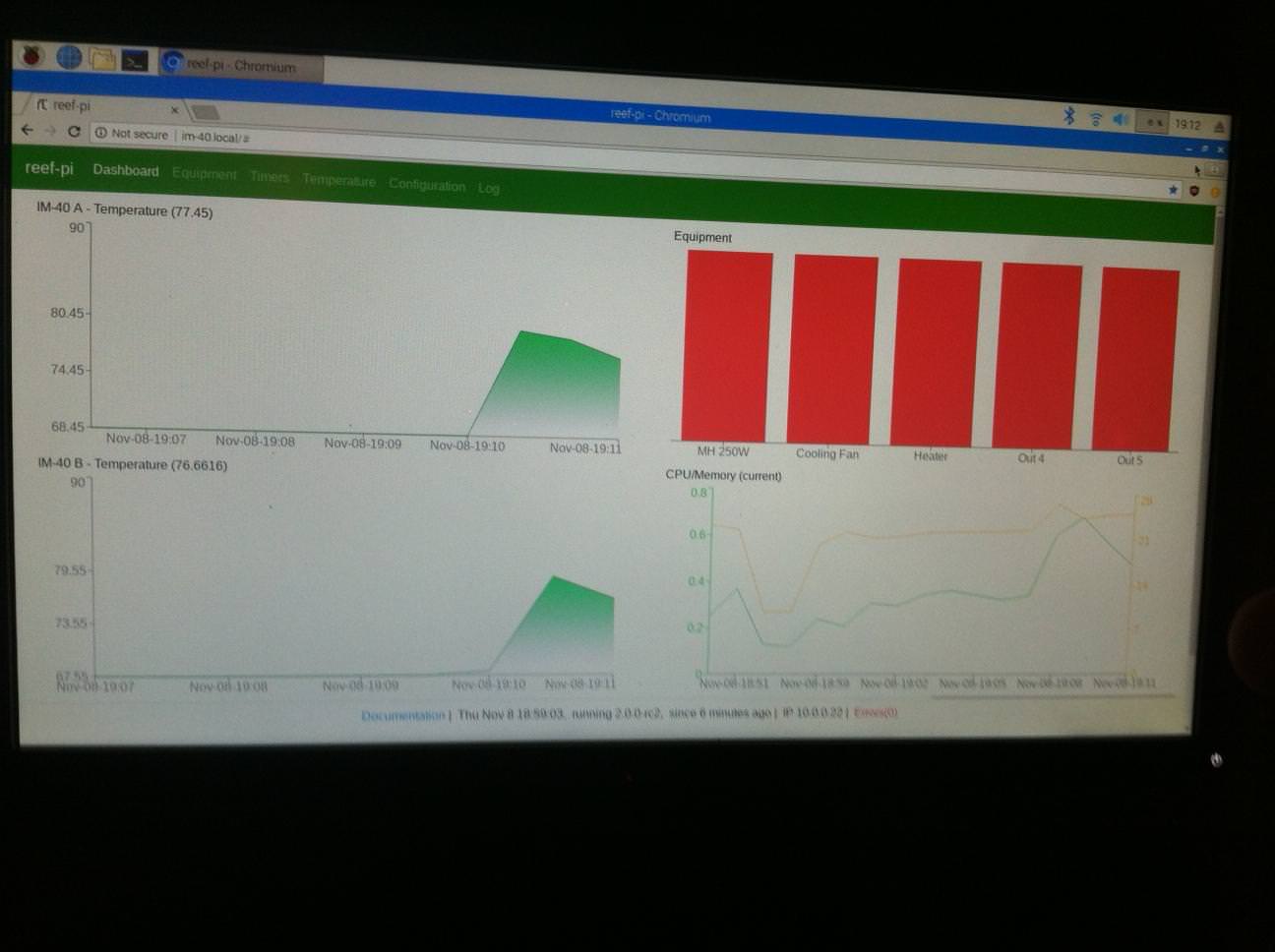
that was an SD card issue. I am just reminding folks to take a backup of the /var/lib/reef-pi/reef-pi.db file once they have configured everything. In case the SD card dies, you can just recreate your setup easily in a new SD cardWell the raspbian OS died on me today and would not reboot, had to reconfigure everything. But hey at least now i am on RC2. Also did some recase work, this fit the reef-pi-Hat awesome looks great fits great and I have access to plug in local if needed. Also added a second temp sensor.
![]()
![]()
![]()
![]()
Thanks for the info I did a deep reformat and was able to apply an image. It wouldn't take one prior, now i'll know what to copy when the new sd arrives.that was an SD card issue. I am just reminding folks to take a backup of the /var/lib/reef-pi/reef-pi.db file once they have configured everything. In case the SD card dies, you can just recreate your setup easily in a new SD card
Yes. Pi 3 and Pi zero both comes with two hardware timers (PWMs). I have detailed how to enable it here: https://learn.adafruit.com/reef-pi-installation-and-configuration/raspberry-pi-configurationAre you saying that pi 3 comes with 2 pwm port already? Without any other parts.
I only need 2 0-10v for my mars aqua. One for blue, one for white.
How can I wire these to the pi? Obviously ground would go to the pi ground. What about the + wire?
I didnt receive my pi yet but try to gather info so I know what to do when it gets here.
yeah, its trivial to make a backup copy and keep a backup SD card ready, in case things go south. You can just swap the SD card and get your reef-pi running in no time. SD card is almost always the part that goes bad (due to sudden power outage, or just by lifespan)Thanks for the info I did a deep reformat and was able to apply an image. It wouldn't take one prior, now i'll know what to copy when the new sd arrives.